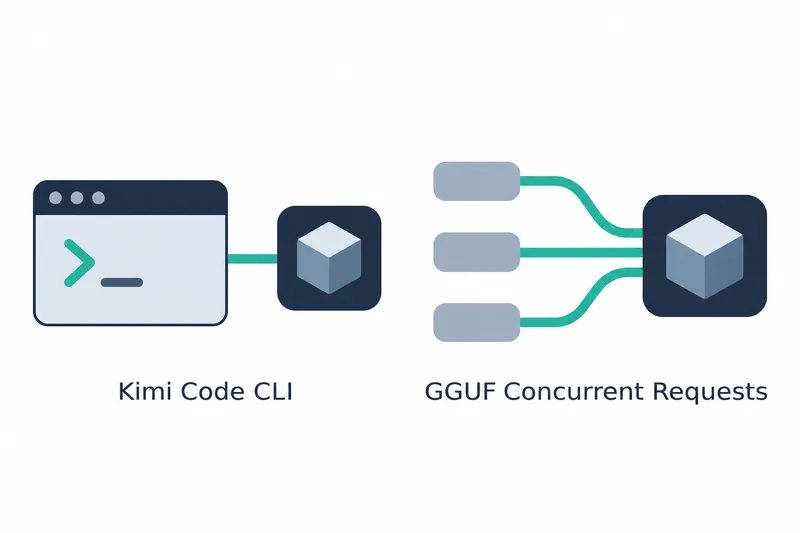
Ollama streamlines connecting and selecting models in coding tools, and enables concurrent requests for some models. The update expands connection convenience for coding assistant users and concurrency options for model operators.
1. Connect coding tools and migrate existing settings
In this release, ollama launch supports Kimi Code CLI, allowing this coding tool to connect to Ollama.
Kimi Code CLI succeeds kimi-cli. During launch, users can choose whether to migrate existing settings, giving developers using the previous tool a transition path that includes settings migration.
ollama launch also automatically populates Pi's model list. Users can select an Ollama model from the list for use in Pi. Claude Desktop's model selector now displays the names of models actually available in Ollama.
Startup behavior has also changed. Running Ollama without arguments opens the welcome launcher.
2. Some GGUF models handle multiple requests at once
Concurrent request support applies to recurrent and vision models in GGUF format. GGUF is a file format containing model architecture and weights. Recurrent models carry forward the state of previous computations.
These models previously handled one request at a time, but can now process two or more concurrently. The notable change for developers is the ability to handle multiple requests arriving at a single model.
Support for long contexts has also been added. Qwen3 and Qwen3.5 models use a scaling method to process long inputs.
This method is YaRN scaling, a technique that extends context length to handle long inputs. Separate from coding tool integration, it broadens support on the model execution side.
3. Run a new coding model with a short command
Alongside tool integration, another model option for coding tasks has been added. Xiaomi MiMo's mimo-v2.6 is a 9B model, with 9 billion parameters, built for coding and agent workflows, and is now supported by Ollama.
The release provides the following example. Developers who want to run the model directly can use this command.
ollama run mimo-v2.6While ollama launch connects coding tools, the example above runs the model itself directly.
4. Reduce work on settings migration, lists, and model name checks
Migration covers existing kimi-cli settings. It is offered when switching to Kimi Code CLI, reducing the work of reentering existing settings in the new tool.
Pi's automatic list population replaces manual model list entry. Actual model names in Claude Desktop reduce cross-checking against Ollama's models. These changes ease settings migration, list entry, and model name checks.
The release notes provide no throughput or response time measurements. The value of these changes lies in newly supported workflows and request handling methods rather than speed figures.
Ollama 0.40.15 focuses on expanding coding tool integration and concurrent processing for certain GGUF model families, rather than model performance figures.