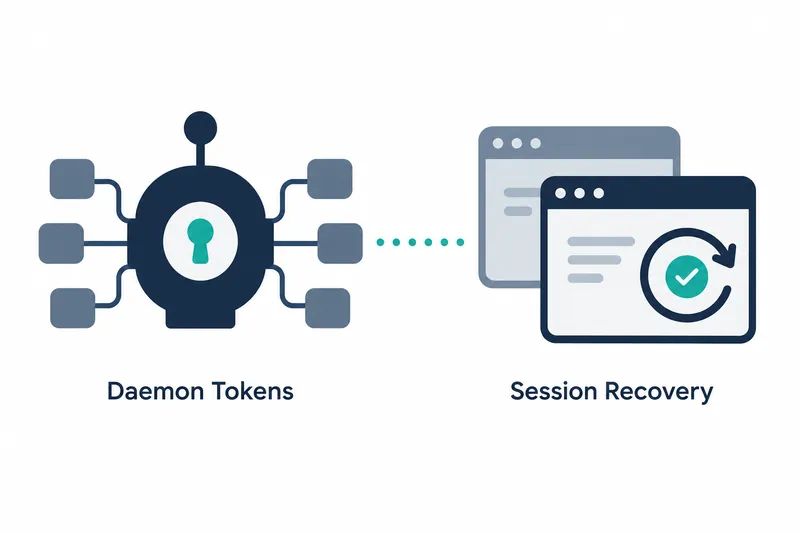
Qwen Code 0.26.1 adds optional file storage for authentication tokens used by its background daemon and recovery controls for work sessions. Developers using the daemon can manage tokens with a separate command. During recovery, managed session users can check the reason and available actions in the web interface while message sending is on hold.
1. Daemon token storage is optional
According to the release notes, users opt into token file storage when starting the daemon. When enabled, the bearer token, whose possession grants authentication, is written to an owner-only file. Stopping the daemon deletes the file, tying storage and cleanup to the daemon's lifecycle.
The original release notes give the following startup command with the storage option.
qwen daemon start --save-tokenStored tokens are managed with qwen daemon token. File storage is selected at startup, while subsequent management uses a separate command. Developers managing tokens as files thus have two entry points: startup and management.
Daemon access has also been improved. A terminal can attach to a daemon session, and the daemon and a managed agent can be started locally with one command. If the local control port is unavailable, the daemon now switches to another available port.
2. Send messages after recovery results are finalized
Managed workspace recovery now waits until its outcome is durably finalized before proceeding. The web shell shows why recovery occurred and which actions are currently available, while restricting message sending. Users check the on-screen guidance rather than immediately sending the next request to a session undergoing recovery.
The release also fixes detection of stalled recovery. The Harness, which manages session execution, detects sessions with blocked recovery even when heartbeats, or periodic liveness signals, keep arriving. This separates signs that a process is alive from indications that recovery is progressing.
More recovery status information is available on screen. Users can browse managed session checkpoint history, or recovery points, by page, and model API error codes are preserved. The sidebar also gains an indicator for running sessions, providing more clues about session status.
3. Manually compact context in idle sessions
Workspace-linked managed sessions gain manual context compaction, which reduces task information while a session is idle. It can be triggered through the public API or the web shell's context usage popover, while preserving existing audit history. Users can request cleanup during a pause in work without losing audit records.
Session discovery has also changed. Titles are searched case-insensitively before pagination, and sessions can be filtered by archive status. The web shell adds a title search field for narrowing the session list.
4. Automation checks the runtime before claiming work
Managed automation now checks the runtime environment before claiming work. Scheduled jobs can use a shell command executed outside the model as a gate for deciding whether to run. This condition is also passed through the daemon and web shell.
Recovery controls and automation checks apply at different points, but both check status before moving to the next task. For developers using managed sessions, the changes make readiness to proceed important alongside the results returned after a request.
5. File management and recovery waits are operational costs
Opting into token storage provides a credential management command but also makes handling an owner-only file part of operations. Managed sessions show recovery reasons and available actions, but message sending may be delayed until recovery finishes. Convenience comes with file management, while clearer recovery status comes with a wait before sending.
The core of 0.26.1 is optional user management of daemon credentials and a managed session workflow that accounts for recovery completion and pre-execution checks.