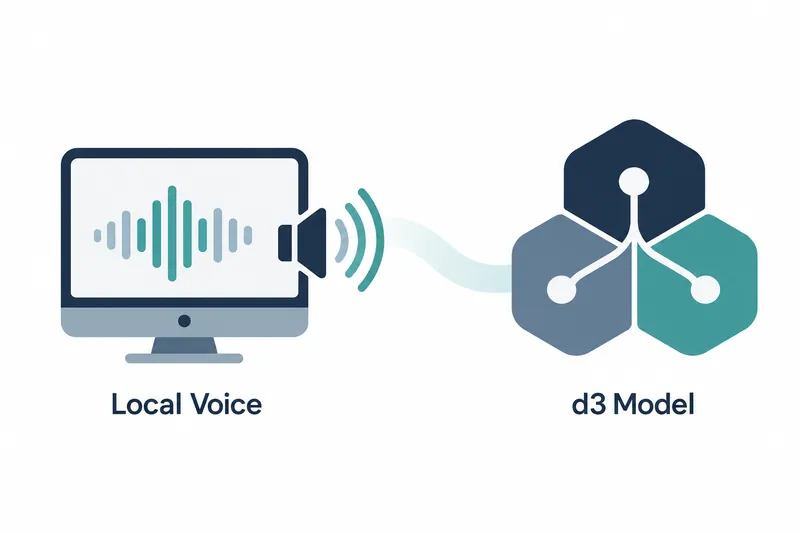
Ollama now supports local speech generation and models that classify inputs or score choices. App developers can receive and play audio as it is generated, while developers assessing inputs can choose dedicated models.
1. Hear text and chat responses as speech is generated
Ollama 0.40.11, released on October 24, supports speech generation on macOS. The command line can read aloud both entered text and chat model responses. Users can now listen to responses previously delivered as text.
Speech plays while audio is being generated. Unlike receiving a completed audio file and then playing it, generation and playback proceed together.
2. d3 focuses on assessing inputs rather than writing responses
d3 brings vLLM Semantic Router's decision models to Ollama. These models classify inputs, answer yes-or-no questions, or assign probabilities to choices. They judge predefined questions rather than write long, free-form responses.
Inputs can include text, structured state, and images. Developers specify what to assess alongside the input. One release-note example asks whether a customer's statement about being charged twice is a billing issue.
The model family includes 2B, 4B, 9B, and 27B sizes. These numbers indicate model scale. Developers choosing a model for classification or scoring have several sizes to choose from.
3. Apps receive and play audio through the speech API
Apps can generate speech and stream audio through the OpenAI-compatible /v1/audio/speech endpoint, the address for requests. They can request speech there and play incoming audio. This adds app integration to command-line listening.
Apps can receive and play audio before generation finishes. Developers still need to send requests and connect incoming audio to playback. Speech generation and the app setup that delivers it to users must be considered together.
4. Try a decision model with a short question
The following decision-model example comes from the release notes. A statement about a customer's card being charged twice is followed by a question about billing. One command contains both the material to assess and the question to answer.
ollama run d3 "A customer says their card was charged twice." --ask "Is this a billing issue?"The original speech example passes a short greeting to the phonon model. Separate entry points are provided for trying speech playback on the command line and receiving audio in an app.
The release notes specify macOS as the supported speech platform but do not describe Korean sentence correction or Korean-language processing performance.
Ollama 0.40.11 adds two key options for local development: a way to hear speech responses as they are generated, and models that assess inputs.