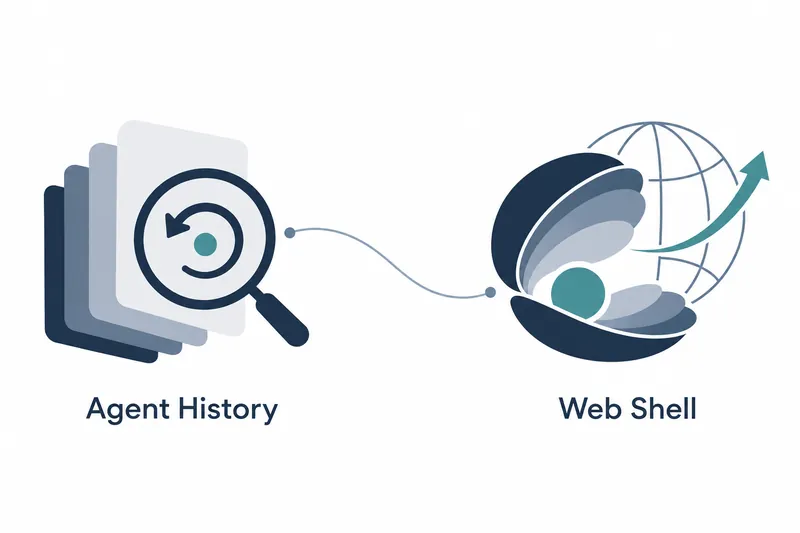
Released on November 1, Qwen Code makes it easier for developers using coding agents to browse conversation and task history in sections and review multiple tasks on the web. Improved message and command lookup and keyboard navigation help them check ongoing work alongside past records.
1. Query managed agent history in pages
This version adds bounded history queries and requests for matching past records to managed local H2 and hosted MySQL databases. Users can read recent messages in pages and find changes, specific tasks, or commands. Rather than opening all records at once, they read relevant sections like turning pages in a book.
According to QwenLM's release notes, the managed web shell, a browser-based command interface, directly reads the latest 100 entries with live updates. Older messages load in pages as users scroll upward. The 100 entries are the scope of the latest items read directly, not the total history retained. New entries keep updating while users read older records. Developers can look up past tasks while receiving new messages from current work.
Managed agent transcripts, recent history, and exports now also read current messages in bounded sections rather than using a snapshot saved at a particular time. The same approach applies to both history queries and record retrieval.
According to QwenLM's release notes, a feature and SDK (software development kit) methods were added to fetch live session status for up to 20 selected workspaces in one request. Directly reading the latest 100 entries supports individual history browsing. The limit of 20 is the number of workspaces whose current status can be checked together in one request, not a concurrent execution limit.
2. Improved web shell navigation and display
The web shell adds keyboard shortcuts for the session overview and split panes. Users can navigate by keyboard when reviewing task status or working across split panes.
The web shell and Qwen Code Desktop show the number of active background agents in the status bar's task badge while agents are running. Users can see how many agents are running as they switch between tasks.
History display has also been refined. Tool approval cards use a single scroll area even for long diffs, and long lines in tool card diffs wrap automatically for vertical reading. This reduces the need to scroll horizontally for each long line and cuts down on nested scrollbars.
In the sidebar, the navigation area along the screen edge, the section grouping sessions outside workspaces is hidden if empty on initial load.
The add-session button remains available even when the session list is empty.
Split panes for sessions no longer in the current list are cleaned up.
3. Changes to updates and automatic fixes
One-click updates for the background service from the web shell now support more package managers and installations with administrator privileges. When automatic updates are unavailable, manual instructions are provided.
According to QwenLM's release notes, automatic fixes for code change requests hand off to a human and show this on the status screen if checks still fail after three fix pushes. When blocked, they leave a comment on the change request describing attempts, blockers, and required human action.
The release notes also describe merging an outdated base before fixing when a branch falling behind could cause checks to fail. This pairs refreshing a potentially failing base first with criteria for handing remaining failures to a human after fix pushes.
4. Additional conversation and development workflow features
Interactive cards that users can operate within conversations are enabled by default. Card values can be attached above the input box to continue the conversation, and attached values can be removed.
The web shell, split panes, and VS Code chat add a session workflow settings switch. Changes take effect on the next conversation turn without interrupting a response in progress.
Export and restore actions for archived conversations are now shown directly in settings. Users can select these actions from the archive list, making it easier to reuse past conversations.
This update improves access to managed agent history and web shell navigation and display while clarifying when blocked automatic fixes hand off to a human.