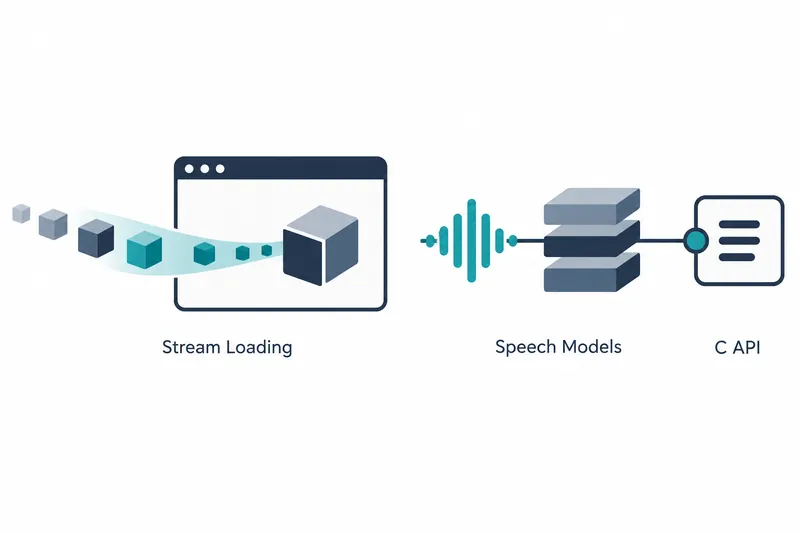
Google released a new LiteRT-LM version that expands web model loading and on-device speech processing. Browsers support streaming models in chunks. Speech app developers can use one execution interface for multiple recognition and synthesis models. Existing C API users must update their code to match the changed function rules.
1. Load web models through multiple input paths
According to the v0.19.0 release notes, the web SDK loads all models by streaming, receiving and processing them in chunks. It defaults to the GPU backend, the environment that performs computation. Image and audio input support was also added. The web API guide says it streams model weights, the numerical data that determines model behavior, directly from a URL. Developers can supply model data from remote URLs or data held by the browser.
The web API guide lists HTTP and HTTPS URLs, Hugging Face repository URLs, browser files, and byte streams that deliver data sequentially as model inputs. Given only a repository URL, it selects a model file for the engine's backend. If multiple files match, it loads one and reports the others in a warning.
The simplest example passes a model repository URL to the engine.
const engine = await Engine.create({
  // The model's Hugging Face repository
  model: 'hf://litert-community/gemma-4-E2B-it-litert-lm',
  // Or the URL of a model file, on Hugging Face or anywhere else
  // model: 'https://huggingface.co/litert-community/gemma-4-E2B-it-litert-lm/resolve/main/gemma-4-E2B-it-gpu.litertlm',
});
After loading the model, create a conversation through the engine to use it. The web API guide advises deleting the engine when finished to release resources.
2. Web latency varies by input type
Google reports the following latencies for EmbeddingGemma 2 using WebGPU on a MacBook Pro M5. The overview page lists a model size of 485 MB. These results show how web app wait times change with different input combinations.
Table: Latency by web input combination
Conditions: EmbeddingGemma 2 (740M multimodal, 485 MB), MacBook Pro M5, WebGPU, based on Google AI Edge documentation
Unit: milliseconds
| Input combination | Latency |
|---|---|
| Text | 21.8 |
| Text+image | 107 |
| Text+audio | 228 |
| Text+image+audio | 226 |
Inputs combining text with images or audio had higher latency than text alone. Browser-based multimodal products therefore need to account for input-dependent wait times in their workflows.
3. A shared runtime for speech recognition and synthesis models
The release notes announce support for recognition models such as Qwen3-ASR and synthesis models such as Kokoro. The repository's experimental runner uses one executable and a shared C++ interface for input and output, rather than separate tools for each model.
Qwen3-TTS is also newly supported. In this shared runtime, developers create an engine once, feed text or speech into sessions, and process results in chunks.
The Kokoro model card describes an 82M-parameter model packaged in one 351 MB file, with 24 kHz audio, 9 languages and dialects, and 54 voices. The GPU file converts intermediate acoustic representations into sound on the GPU. The general-purpose file works on both CPU and GPU.
According to company-reported results in the model card, the GPU file synthesized an 18.3-second English passage with the af_heart voice on a Galaxy S26 in 4.0 seconds. Peak memory usage during execution was 485 MB. The device had a Snapdragon 8 Elite Gen 5 and Adreno GPU, and used 4 CPU threads. Results followed one warm-up run to stabilize execution before measurement.
With the same passage, voice, and warm-up conditions, the general-purpose file took 3.9 seconds and 1,030–1,225 MB on GPU, or 4.7 seconds and 975 MB on CPU. Comparing GPU runs on this device, the GPU file offers similar synthesis speed with lower memory usage.
4. C API 1.0.0 changes error and result delivery
This release upgrades the C API to 1.0.0 with breaking changes. Functions that can fail return status codes and deliver results through out_* parameters. Exported symbols, the function names exposed for external calls, are also restricted to the litert_lm_* family. C code written for the old function signatures, including names and input/output rules, must be updated for the new headers.
The headers add a function to check the API version of the library actually loaded. Callers can compare the version of the headers used at compile time with that of the running library. Deployments that replace the library independently of the app can include this check in their integration process.
Error-handling rules have also changed. Success is 0, while failures use positive status codes. Read the last error message on the thread where the call failed. Pointer results are set to NULL on failure, while numeric results are left unwritten. Code that checked for negative returns must switch to status-code checks.
5. Weigh expanded execution paths against resource and migration costs
The shared runner reduces the work of handling multiple speech models, but links their supported implementations together. Custom apps can link only the model implementations they need to reduce unused dependencies and executable size. This helps manage deployment size while benefiting from expanded features.
Choosing a GPU speech model file requires a device that supports LiteRT GPU execution. Libraries older than 1.0.0 also lack the API version check function. Apps that use dynamic loading, loading required libraries at runtime, must treat a library as incompatible if this function cannot be found.
The update's practical value is broader access to web and speech models, but adoption decisions must also account for device resources and C API migration work.