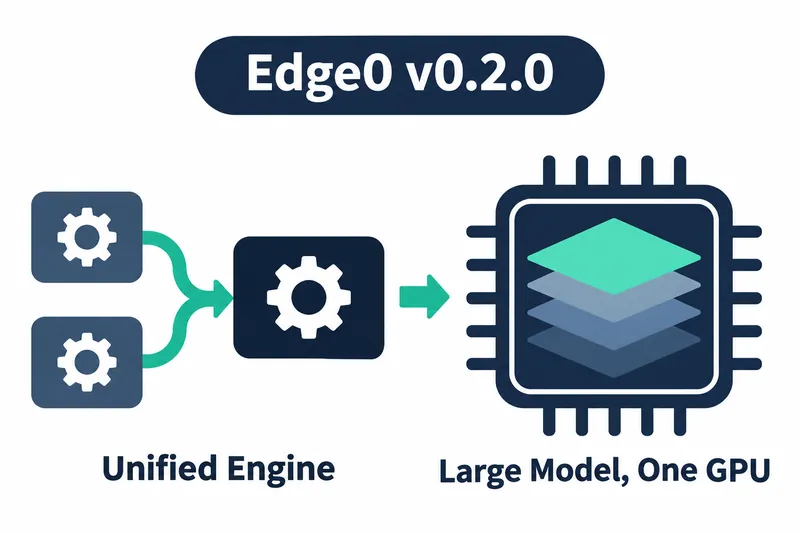
Edge0 has released a new Windows version for running language models locally. Existing users get a unified inference engine that replaces multiple apps and a Python framework. Developers seeking to run large models get a configuration that uses a single NVIDIA graphics card.
1. One engine for the command line, server, and chat app
The new edge0-infer engine replaces a Python framework and four platform-specific apps. The command-line tool, local server, and desktop chat app share one execution backend. Users can choose a workflow, such as running it directly in a terminal or chatting through the app.
The implementation uses C++ and GGML, a computation library for model inference, and provides a common API for running models on the device. The aim is to bring multiple access paths onto one engine, not to limit users to one interface.
The command-line tool includes model execution, chat, benchmarking, server operation, and information lookup. Edge0 35B is the existing model supported by the unified engine. Edge0 8B support is planned for a later release.
2. 145B and 120B models on a single NVIDIA GPU
According to the company, the new Edge0 145B and Edge0 120B models run on a single NVIDIA GPU. This is the configuration offered to users who want to run large models locally.
The two large models run through edge0-strata. While the unified engine brings existing models and apps together, this runner provides the execution path for the new large models. When choosing a model, users should check both its name and the runner it uses.
The release page provides download links for both models in NVFP4 and q3k weight formats. Choosing a distribution package and obtaining the model weights to run are separate steps.
3. Connecting existing API clients to the local server
Alongside its existing OpenAI-compatible interface, the local server handles Anthropic Messages API requests. Supported routes cover message requests and token counting, which the release notes specify for native models. Developers can use these routes to connect Anthropic-format clients to local models.
Local network authentication now accepts the x-api-key header. Developers can connect to the server by passing an authentication key in that header. Both request format support and an authentication path have been added for connecting clients.
4. Choose a Windows package, then prepare the model
Distribution packages come in x64 and Arm64 versions. Installation and troubleshooting instructions are in the documentation inside each package. First choose the package for your device, then check the requirements for the model you plan to use.
The existing Edge0 35B model supports execution on a CPU or on a GPU through Vulkan, a standard interface for graphics and computation.
CPU execution with the x64 package requires AVX2, an instruction set that supports parallel CPU computation. Users can check the prerequisites for existing models separately from those for the new large models.
Running the large models on x64 requires an NVIDIA GPU with compute capability 7.5 or higher, a CUDA feature support level. The release notes list the RTX 20, 30, 40, and 50 series as examples. At least 16 GiB of GPU memory and 20 GiB of system memory are required, along with NVIDIA CUDA Toolkit 13.
Running large models on Arm64 requires a GPU with compute capability 12.1, with NVIDIA RTX Spark N1X given as an example.
The minimum memory requirements are the same as above, and CUDA Toolkit 13 for Windows Arm64 must be installed. The CUDA code in this package was built only for that GPU architecture.
The benefit is a single engine for multiple access paths, plus an execution path for large models. Users must supply the model weights and runtime environment. This release is Windows-only, and weights are not included in the package. The large models require the hardware and toolkit installations described above.
Edge0 v0.2.0 combines a unified execution backend for existing apps with an added execution path for large models.