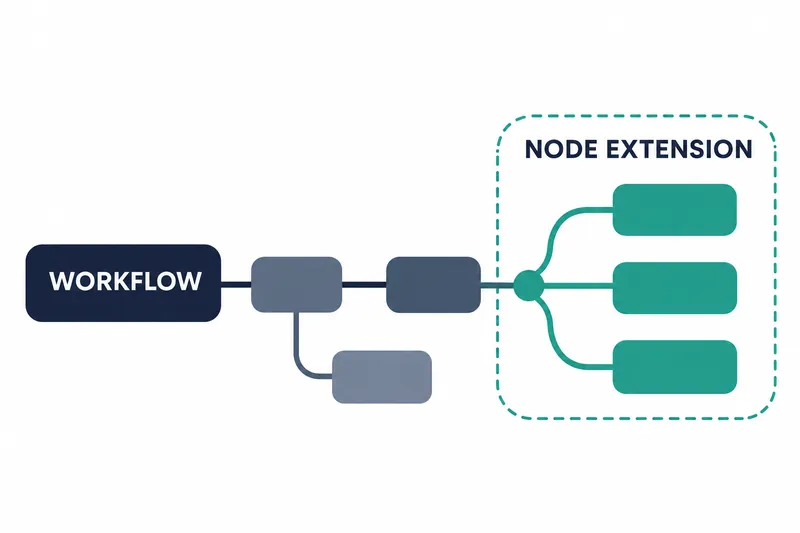
ComfyUI has released a new version with expanded workflow templates and nodes for image, video, audio, and 3D tasks. Users building creative workflows gain more model and processing choices. Developers maintaining existing installations need to check changes to defaults and file locations.
1. Templates and runtime packages updated together
ComfyUI v0.45.0 was released on November 10, 2026. Workflow templates, the foundation for workflows that connect multiple processing stages, were updated to v0.11.105 in this release.
The web interface package was upgraded to 1.58.5. This update changes not only nodes that connect new models, but also the templates that start workflows and the interface package used to manage them.
The runtime package comfy-kitchen was also updated to 0.2.41. Teams sharing existing templates may want to review template changes alongside newly added model support when deciding what to apply.
2. Partner nodes expand into speech and new models
Partner nodes connect external service models and features within workflows. Video additions include Pika H3 Flex nodes, the Kling 4.0 Flash model and original audio selection in Kling 4.0 nodes, and Omni Flash 1.2 in Gemini Omni video nodes. ByteDance Seedance 2.5 gains 4k resolution. 4k means a resolution with about 4 thousand horizontal pixels.
Image additions include support for OpenAI's GPT Image 2.6 model and GPT Image V3 nodes, plus ByteDance's Seedream 5.5 model. Nodes for animated images and vector image formats that express lines and shapes mathematically were also added.
Speech and audio generation gains Pika soundtrack, sound effect, and music nodes, along with Breeze TTS 2 voice and text-to-speech nodes.
Tencent HY LLM nodes were added for language model connections.
3. Local workflows and video and 3D processing improved
Local model support now includes WeVisOne-VL and MiniMax-H3-image.
Qwen 3.x gains video input support, allowing workflows using the model to accept video. Separately from the expanded input support, the release also changes processing to merge weights for parallel linear operations.
For 3D processing, a mode that fills the interior when extracting meshes from point-based data was added. A mesh represents an object's surface as a network. An issue with rebuilding the mesh structure of imported meshes was also fixed.
Texture rebaking, which recreates images for object surfaces, and UltraTex support were also added. These changes strengthen processing stages for refining 3D output, separately from connecting new generative models.
SeedVR2 VAE, which compresses and decodes video, adjusts the segment length processed at once to available memory. Video component nodes now retain decoded frames once rather than twice. Qwen 3.x merges weights, while SeedVR2 adapts processing segments to available memory and video component nodes eliminate duplicate frame retention.
4. Check defaults and paths in existing installations
Single sign-on for accessing multiple features after one authentication on the local web interface, and partner node tokens, are now enabled by default. If your configuration assumes the previous defaults, start by checking the new authentication behavior.
Among portable launch scripts, those for CPU execution and fast 16-bit computation have moved to the advanced directory. Launch commands or documentation referring to their previous locations need path updates.
Existing Qwen Image nodes have moved to Comfy Router. Users of those nodes should check not only the new model list but also whether their nodes have moved.
5. Broader options and update overhead
This release broadens workflow choices while also requiring configuration and path management for existing installations.