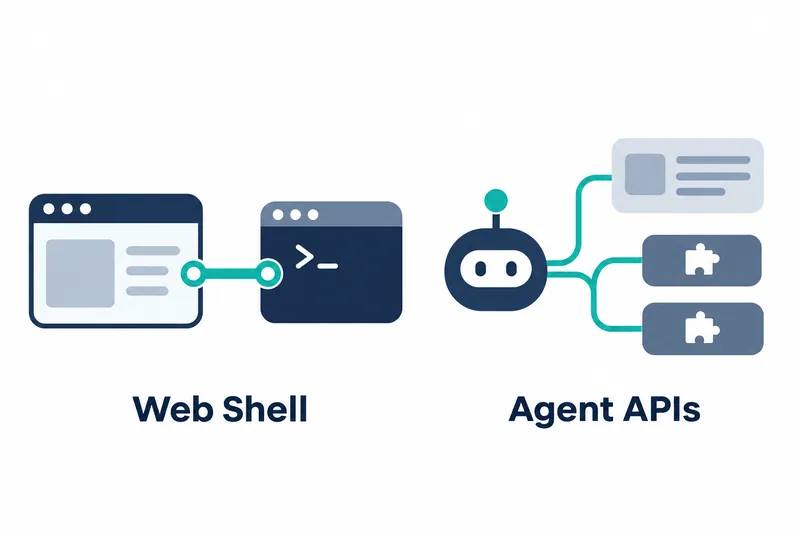
Qwen Code v0.27.2 expands channel setup in the browser-based shell and conversation and response handling in plugin extensions and managed agents whose execution and state are handled by the host. Developers configuring channels or building extensions can add login management, one-off model calls, and conversation context reuse to their workflows.
1. Configure channels and manage accounts in the web shell
The web shell's channel manager supports WeChat, QQ, and email setup. For WeChat, users can scan a QR code in the browser to log in, check scan progress and account details, or log out. Expired authentication QR codes can be refreshed. QQ optionally offers an account-linking management flow using QR codes.
Records for messages delivered in multiple segments are now more detailed. Public channel delivery data adds an array for multiple segments while retaining compatibility with the existing single-segment field. Managed agents retain delivery acknowledgments for each segment separately, providing a record for inspecting split messages segment by segment.
2. One-off calls and storage for mod extensions
Mod extensions, which are custom plugins, now support one-off model calls. They use the session client to request a single text response without tools, conversation history, or additional system instructions. This provides an independent auxiliary response rather than continuing the full conversation. The release notes show the following call form.
$.model.complete(request, {signal})Mod plugins can use storage that retains values across sessions. Extensions can use it to carry their own settings or state into the next session.
In Ink-based terminals, a rendering hook can also intercept response display to change the wording shown for model answers. The API names for storage and display changes are as follows.
$.store
ui.render
3. Continuing context for side questions and managed agents
Side questions asked separately from the main conversation are now included in the session, and the 20 most recent answered questions are supplied again as context for subsequent conversation. This makes it easier to follow up on earlier side questions.
Managed agents support private follow-up questions and session summaries. Summaries can be created manually or generated automatically, with automatic generation disabled by default. The web shell panel uses saved summaries. Along with reinserting answers to side questions, this provides more ways to pick up earlier work.
Managed sessions in the web shell can reuse the host shell's header and guidance to reduce duplicate display. This aligns the presentation of managed conversations with the existing shell interface.
4. Check usage and approval notifications in the shell
Below the input box, the web shell shows turn count, output speed, total tokens, and cache hit rate, the proportion of reused stored results. Detailed values are available on hover and in the token usage panel. This lets users monitor usage where the conversation takes place.
In the command-line interface, a live panel shows pending approval requests from foreground agents that interact directly with the user. Approval requests from background tasks and staged workflows can trigger a bell or desktop notification, depending on settings, when the terminal is inactive.
Managed activity diagnostics now include tool execution time, effective sample counts representing data actually used in measurements, and metrics showing proposed versus applied changed lines. These observations help users inspect execution time and changes actually reflected in the code.
5. Refining extensibility and context reuse together
Centralizing channel setup in the browser and retaining plugin state across sessions can help reduce repetitive connection and state-restoration work. However, the display hook does not alter saved or copied answers, so extension developers using it must handle display wording and the preserved original separately.
This update centers on moving channel connections into the web shell and giving extensions and managed agents finer control over reusing responses and conversation context.