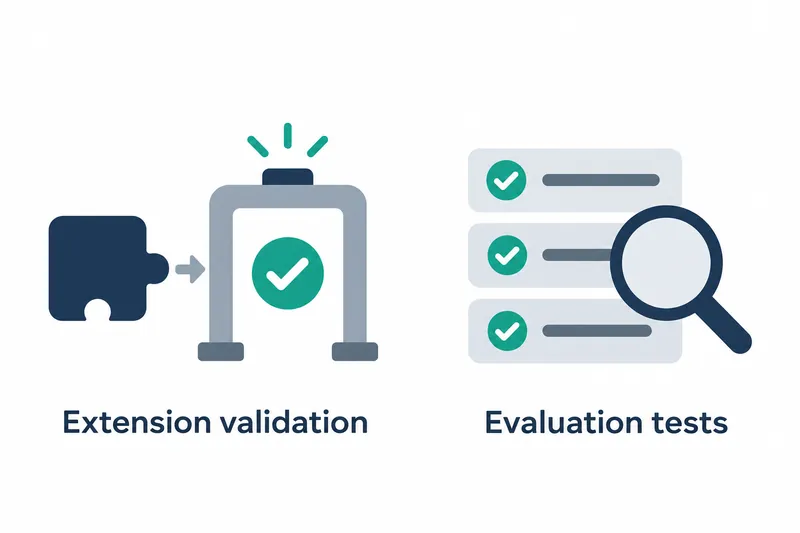
The new Gemini CLI release strengthens MCP server configuration checks and tests for the existing extension validation command. Developers can find configuration errors locally. They also get guidance on checking search indexing, which organizes information for file searches, when published extensions do not appear in the gallery.
1. Added local validation before publishing
The v0.68.0 release, published on November 10, 2026, lists an extension validation command and evaluation tests among its changes. The linked code changes were merged on October 28. The added checks and unit tests, which verify small units of functionality, focus on MCP server settings for connecting external tools.
The file being validated, gemini-extension.json, is a manifest containing an extension's name, version, and connection details. A pull request is a request to review code changes. Its description also lists checks for the safety and existence of paths to accompanying files, and whether the version number follows the required format.
2. Checks for MCP server settings
The validator checks that mcpServers, the collection of server settings, and each server's configuration are objects made up of named values. At least one connection detail, such as a command to run the server or an address to connect to, is required. TCP connection values accept strings and numbers. TCP is a protocol for establishing network connections.
Using the legacy address property httpUrl produces a warning rather than an error. The guidance recommends moving the address to url and specifying the connection type alongside it.
Addresses are checked to see whether they can be parsed as URLs. Values containing a dollar sign skip this check to avoid wrongly rejecting addresses populated by environment variables, whose values depend on the runtime environment.
3. Execution and test coverage
The pull request description gives the following command. Run it with the path to the extension folder to validate as its argument.
gemini extensions validate <path>The added tests check that servers running locally and servers using remote addresses pass validation. They also check that cases using deprecated properties succeed with warnings. This distinguishes warnings recommending configuration changes from errors that block execution.
Missing connection details, invalid addresses, and non-object mcpServers values are treated as failures. The tests check the error message and exit code 1, a numeric value indicating the program's termination status. These provide concrete examples of which inputs are rejected and which only trigger warnings.
Pre-validation lets developers fix configuration issues before installation or publication. Using it adds the steps of running the command and fixing errors before release, moving troubleshooting work into development. However, the provided code's address checks do not restrict allowed communication schemes, so connection address safety needs separate review.
4. Investigating gallery indexing issues
The same change adds documentation on extension gallery indexing issues. It explains that the gallery checks tagged public repositories daily and finds manifest files through GitHub code search. If an extension meets the requirements but is still absent after 24~48 hours, GitHub may not have indexed the file yet.
The following example uses GitHub CLI to check the number of manifest search results in a repository.
gh api 'search/code?q=repo:<owner>/<repo>+filename:gemini-extension.json' --jq .total_countReplace the repository placeholders with the owner and repository names. If the result count is 0, or GitHub CLI is not used, the guidance says to open code search for that repository in a browser signed in to GitHub to prompt indexing.
If GitHub indicates that indexing is underway, wait 15~30 minutes and check again until the file appears in search. Once indexing finishes, wait for the gallery crawler's next run. These search results let developers check whether the file is ready to be discovered, independently of configuration validation.
The core of v0.68.0 is more specific checks and guidance that help extension developers investigate configuration errors before publishing and search visibility issues afterward.