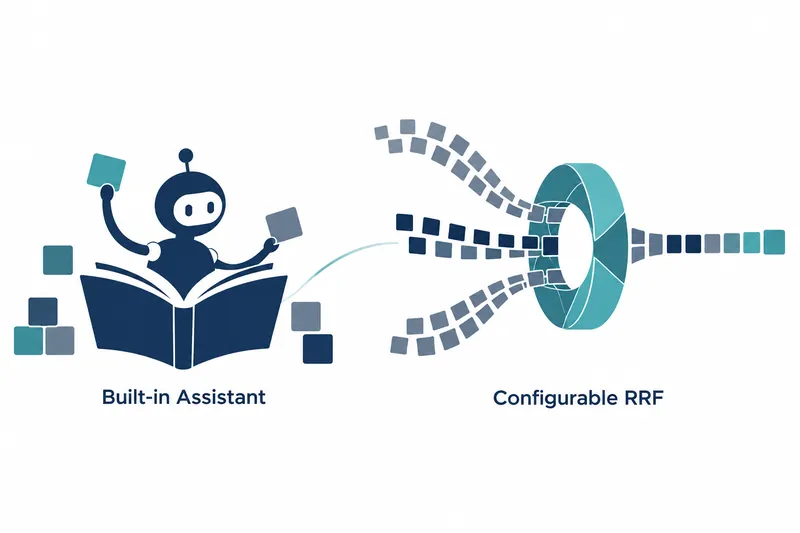
Tencent's open-source knowledge management service WeKnora released 0.9.0 on October 29. Search fusion criteria are now adjustable in settings. A built-in assistant manages documents and knowledge bases, the spaces that organize them. Operators can handle recurring tasks through conversation. Search administrators can directly adjust the contributions of keyword search and vector search, which finds semantically similar content.
1. Adjust search fusion in the interface
Search settings have three tabs: candidate retrieval, result fusion, and reranking. Reranking reorders results. Administrators can change vector and keyword search contributions in the fusion tab. Settings save automatically, and values set through the API remain intact when other settings are saved.
RRF merges different search results into one list based on rank. The smoothing constant controls the advantage given to top results; higher values reduce it. Weights set each search method's contribution to the final results. These settings previously required the API but are now adjustable in the interface.
Table: Server defaults for RRF search settings
Conditions: A value of 0 selects the default for each setting, and the two weights do not need to sum to 1.
Unit: Smoothing constant and weights (unitless)
| Setting | Default | Role |
|---|---|---|
| Smoothing constant | 60 | Higher values reduce the advantage of top results |
| Vector weight | 0.7 | Vector search contribution to fused results |
| Keyword weight | 0.3 | Keyword search contribution to fused results |
Invalid numeric inputs are not applied.
2. Perform management tasks from an action list
The built-in WeKnora assistant discovers and executes available actions, following existing permission checks, validation, and audit logging. Users request tasks through conversation instead of navigating multiple management screens.
Actions use the actual request-handling paths under the user's permissions. An allowlist of executable actions is built at startup from Swagger API documentation embedded in the executable. Here is an annotation example for a handler, the code that receives and processes requests, that adds an action.
// @x-agent      {"id":"knowledge.delete","risk":"destructive","target":"knowledge.get","label":"title"}
// @x-agent-hint "Removes the document with its chunks, embeddings and graph data. Cannot be undone."
// @Param        id   path      string  true  "知识ID"  extensions(x-agent=knowledge_id)
Initial actions include viewing knowledge bases and documents, reparsing source content, deletion, wiki statistics, and rebuilding links. Coverage later expanded to managing knowledge bases, FAQs, tags, document collections, agents, and skills, extensions that add assistant capabilities.
The assistant can also search and read documentation for the running version.
3. Adapt to the current screen and role
The assistant opens from the sidebar, command search, or document screen, passing the current document or wiki page as conversation context. Users can choose a docked or floating panel. Execution history is managed separately from regular chat history.
Access levels are read-only, confirm-before-execution, and automatic writing; confirmation is the default. Administrators set the workspace ceiling. Execution uses whichever is more restrictive: the user's setting or the administrator's ceiling. Even automatic writing requires confirmation for destructive actions and skill installation.
Default role requirements are viewer for reads and contributor for writes and destructive actions. Unavailable actions display reasons, such as the required role or read-only status, so users can see why they cannot run.
4. Scheduled execution and shifting costs
Automations add scheduled task execution. Schedules support cron notation for recurring runs or a one-time run, with a selectable time zone and a minimum interval of 5 minutes. Runs use the owner's permissions, and pending approval notifications appear in the app. Automations stop after three consecutive failures and cannot be created with API keys.
Wiki edits that previously ran without confirmation now require a confirmation card at the default access level. Users thus review conversationally requested edits before execution.
Automation records and runs are stored in the database, so upgrades also require migrations to apply storage structure changes. The migration versions listed in the release notes are PostgreSQL 000134 and SQLite 000051.
The core of 0.9.0 is moving search fusion into settings and knowledge management execution into conversation, with permissions and approvals serving as controls for automation.