Visual Studio Code 1.142 changes the default runtime and previews collaboration features so developers using coding agents can work beyond chat and edit a shared workspace directly. Work can continue after closing a window, but organizational permission policies may limit the available runtimes.
1. Defaults change gradually, starting with new chats
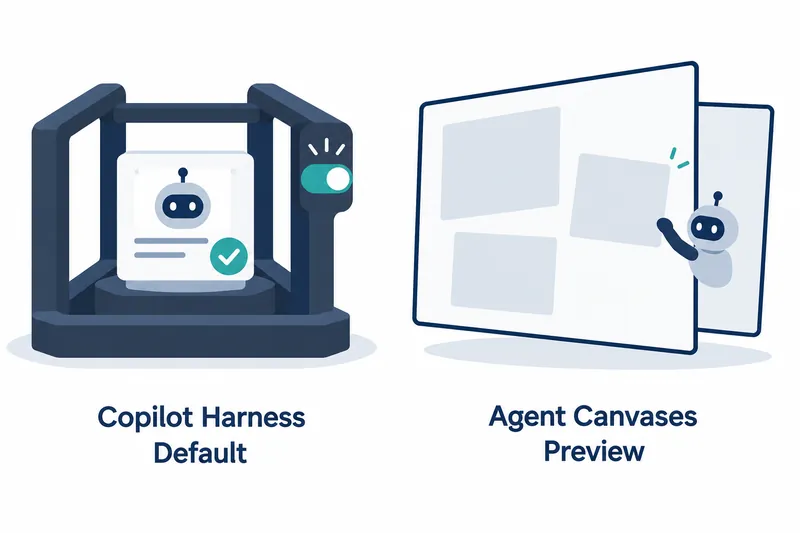
Released on October 14, 2026, Visual Studio Code 1.142 gradually makes the Copilot harness the default for new sessions. A harness coordinates the agent's language model, context, and tools. ([Announcement](https://code.visualstudio.com/updates/v1_142), [Harness docs](https://code.visualstudio.com/docs/agents/run/agent-harnesses))
The new harness uses the Copilot SDK, with sessions running in an agent host separate from the editor. Work continues after closing the editor window if that process stays alive. This differs from quitting the desktop app itself. ([Harness docs](https://code.visualstudio.com/docs/agents/run/agent-harnesses))
The existing Local harness is tied to the editor window, so closing it stops ongoing work. Despite its name, it is not the only harness that runs on your computer; the new harness can also run locally. ([Harness docs](https://code.visualstudio.com/docs/agents/run/agent-harnesses))
Check that Copilot is selected as the harness in a new chat. ([Announcement](https://code.visualstudio.com/updates/v1_142))
The new harness does not offer all existing built-in and extension tools, and customization differs. Check compatibility with required tools and MCP settings before switching. ([Harness docs](https://code.visualstudio.com/docs/agents/run/agent-harnesses))
2. A shared workspace beyond verbal instructions
A canvas is an interactive view beside chat where users and agents inspect and edit the same work. On a kanban board, for example, users can move task cards while the agent breaks features into tasks or updates progress. ([Announcement](https://code.visualstudio.com/updates/v1_142))
First, enable chat.canvases.enabled and start a new session. Describe the view you want with /create-canvas to create and open a canvas extension in the workspace. ([Announcement](https://code.visualstudio.com/updates/v1_142))
Alternatively, install a chat plugin containing a canvas extension in the GitHub Copilot app. Then return to the editor and ask the agent to list available canvases and open one. ([Announcement](https://code.visualstudio.com/updates/v1_142))
The preview supports Copilot harness sessions running locally in the desktop app. Other harnesses, remote sessions, web clients, and hosting in auxiliary windows are unsupported. Behavior may change before general availability. ([Harness docs](https://code.visualstudio.com/docs/agents/run/agent-harnesses))
3. Organizational policies determine chat migration
If the managed permissions object—a set of administrator-defined permission rules—is nonempty, or an administrator enables sandboxing, all chat sessions use the new harness that can enforce those policies. An empty permissions object or existing policies alone do not trigger this migration. ([Announcement](https://code.visualstudio.com/updates/v1_142))
Under these conditions, opening an unarchived Local chat automatically migrates it to Copilot. Chat history, unsent input, and attachments are preserved, with nothing sent automatically. The original is archived only after the new chat opens successfully. ([Announcement](https://code.visualstudio.com/updates/v1_142))
The benefit is runtime enforcement of permission rules; the trade-off is fewer runtime choices. Claude and Codex harnesses and terminal chat are unavailable while the policies apply. Inline chat in the editor remains for limited reading and editing. ([Announcement](https://code.visualstudio.com/updates/v1_142))
Administrators can temporarily pause automatic migration by setting vscode.temporaryDefaultToLocalHarness to true. However, the old harness cannot enforce these runtime-only permission and sandbox rules. This deferral therefore does not maintain equivalent protection. ([Announcement](https://code.visualstudio.com/updates/v1_142))
4. Check sandboxing separately from approval
Sandboxing limits the files and networks that commands and child processes can access. If approval grants entry, the sandbox defines where they can go afterward. It does not isolate them in a virtual machine or separate user account. ([Sandbox docs](https://code.visualstudio.com/docs/agents/run/agent-sandboxing))
Sandboxing is off by default. Check the operating system prerequisites on the machine running commands, apply the following setting, and start a new Copilot harness session. For remote sessions, configure the remote machine, not the computer connecting to it. ([Sandbox docs](https://code.visualstudio.com/docs/agents/run/agent-sandboxing))
{
  "chat.agent.sandbox.enabled": "on"
}
Enabling sandboxing alone does not block external communication. Outbound connections are allowed by default, so review destination restrictions separately. Run /sandbox policy for a report on the current session's execution machine and actual file and network restrictions. ([Sandbox docs](https://code.visualstudio.com/docs/agents/run/agent-sandboxing))
On Windows, command sandboxing support for the existing Local harness has ended. If you need it, switch to a session using the new execution host. Windows support itself remains experimental. ([Announcement](https://code.visualstudio.com/updates/v1_142), [Sandbox docs](https://code.visualstudio.com/docs/agents/run/agent-sandboxing))
This transition expands the space for working with agents, but adoption decisions should hinge on the actual execution environment and policy enforcement rather than interface convenience.