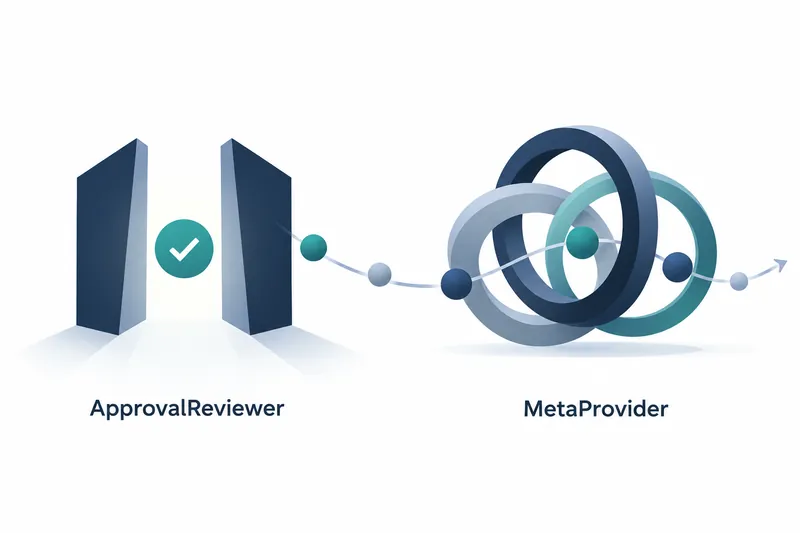
Pydantic AI adds model-based review of tool approval requests, Meta model support, and support for web pages linked to tools. Agent developers can reduce approval requests sent to humans. They also need less custom code for model connections and UI data delivery.
1. Reduce approval requests while retaining human judgment
According to GitHub's publication timestamp, v2.57.0 was released on October 16, 2026. The release title shows October 15.
Harness, a set of agent execution features, offers optional ApprovalReviewer to ask another model first about tool calls needing human approval. A 'no' answer to the risk question approves the call, and the tool runs in the same execution step. Risky or uncertain answers, model errors, and insufficient review budget leave the decision to a human. The reviewer itself neither rejects nor executes calls.
Tools to review can be narrowed by name or metadata conditions. All function tools are in scope by default, but only calls requiring approval are reviewed.
When used with ToolCallJudge, which can block calls just before execution, automatically approved calls still undergo that judgment. Reducing approval requests and preventing execution serve different roles.
This is a filter for requests headed to humans, not a security boundary. Keep permission checks inside and outside tools, along with execution isolation. Sending conversation context also broadens exposure to prompt injection, where external documents or similar content steer the review model's answers.
2. Muse model support comes with configuration restrictions
MetaProvider connects Meta's Muse models and uses the Responses API by default.
This integration requires an installation that includes the OpenAI SDK. Set an API key issued by the Meta developer platform in the META_API_KEY environment variable, then connect as in this original example.
from pydantic_ai import Agent

agent = Agent('meta:muse-spark-1.3')
...
Meta only allows automatic tool selection. If the library tries to force an 'output tool' for a final answer in a specified format, it switches to automatic selection. But forcing a specific tool or requiring a tool call through user settings causes an error. The API also rejects an explicit setting to use no tools, so do not transfer another provider's settings unchanged.
Muse cannot disable reasoning, so thinking=False is ignored.
The integration sends delimiters for progress messages before tool calls, along with encrypted reasoning, back in the next request. This prevents the model from mistaking progress reports for final answers and ending long tool runs early. However, non-streaming was verified with actual API recordings, while streaming tool calls used mock tests. Which streaming event carries the delimiter remains an assumption that could be checked against actual recordings.
3. MCP Apps preserves results needed for the UI
MCP Apps lets servers link web pages to tools. This change passes along what the frontend needs to display a page rather than rendering it directly. Successful calls to page-linked tools preserve the resource address, model-generated input, full result, and toolset identifier without extra configuration. No app record is attached if an intercepting hook changes the result or does not call the actual tool. Failed calls do not get one either. What the model sees remains unchanged.
The AG-UI and Vercel AI adapters send a UI event after the tool result. Both ignore these records if a client sends them back as conversation history. UI records are not accepted back as conversation input for the model.
Pages are read with read_resource_for_app. This method returns an MCP result preserving the MIME type describing the content format, along with the page's content security policy and permissions.
When an app record is attached under these conditions, MCPToolset.call_tool returns a ToolReturn wrapping the value, rather than the value itself. Wrappers, which wrap and process results, must modify the inner value. They must also discard metadata when the page must not show the original result. Tools without pages are unchanged.
4. Weigh automation benefits against added costs
Reducing approval requests adds sequential review latency and model usage for each selected call. Review usage counts toward the overall run limit.
Call arguments go to the review model provider even for requests ultimately handed to a human. Exclude tools handling sensitive arguments from review, or choose a provider trusted to handle that data.
UI integration delivers results previously omitted, but each call with an app record adds one result copy to the history and one UI event.
This version's practical value lies less in automation itself than in connecting components while keeping approval authority and data delivery boundaries distinct.