OpenMOSS has released code and weights for models that generate images containing text and let users position text and objects. Developers making posters or notices can now test specifying element coordinates beyond describing scenes in words.
1. Differences between the base and fine-tuned models
OpenMOSS released MOSS-Image-Base and MOSS-Image-SFT on October 16, 2026. The former is a base text-to-image model, while the latter is a version further trained on curated data.
Inputs support natural-language descriptions, tag lists, and layout information in JSON format. The project says it supports long inputs of up to 4K tokens and anime-style and photorealistic generation. Tokens are units into which input text is divided for model processing.
The repository's comparison examples describe clearer text groups and a tidier whiteboard layout in the fine-tuned model. These examples alone cannot establish overall quality superiority. The supplied source provides no quantitative quality comparisons or speed and memory measurements and conditions.
The standalone pipeline code is distributed under the Apache License 2.0. The base model card specifies the same license for the weights and bundled inference code.
2. Layout information serves as an image blueprint
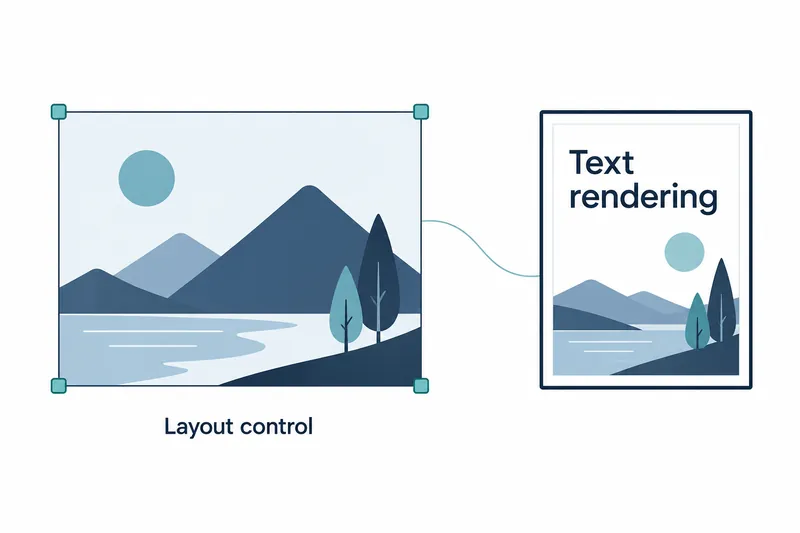
Layout input separates the overall scene description from the list of individual elements. Each element includes a type, description, and bounding box, with text to render specified separately. This conveys text and object positions like a blueprint rather than requesting composition through words alone.
Box coordinates are ordered as minimum vertical, minimum horizontal, maximum vertical, and maximum horizontal values. The origin is the image center, not the top left. On a 1024×1024 canvas, each axis runs from −512 to +512, with values increasing rightward and downward.
In the web interface, paste JSON into the input field and match the output width and height to the coordinate reference. In code, use json.dumps(layout, ensure_ascii=False) to convert layout information to a string. The image width and height requested through code must each be a positive multiple of 16.
The repository says users can adjust content and composition structurally by editing text, element descriptions, and boxes. This leaves room for integration with layout editing tools, but coordinate input itself should not be mistaken for a finished editing interface.
3. Getting started with the web interface and node tools
The model card's setup instructions require Python 3.10 or later and PyTorch 2.9 or later. The hardware baseline is an NVIDIA GPU with CUDA support.
The following example launches the web interface after installing the repository. The first line installs web interface dependencies, and the second starts the app with the base model.
pip install -e '.[ui]'
python gradio_app.py --model OpenMOSS-Team/MOSS-Image-Base
In ComfyUI, which connects generation steps through nodes, users can search for and install MOSS-Image through the plugin manager. Integration into the official repository is in progress.
Comfy-Org provides model files repackaged for node tools. These include 16-bit floating-point files and 8-bit integer quantized files for both models, plus a separate text encoder. These are distribution format options; the file list alone is no basis for judging quality or speed differences.
4. Weigh layout control benefits against execution costs
The benefits are structured placement of text and objects and the ability to fine-tune the base model for one's own work. However, 5B, or roughly 5 billion parameters, describes the image generation backbone. The text encoder that interprets sentences is a separate 9B-class model, so backbone size alone does not indicate the total execution burden.
The web interface can keep the entire model on the GPU or move required components between the GPU and CPU. If memory is limited, users can lower resolution or select sequential processing. However, sequential processing slows inference and cannot use compilation optimization. Layout control thus leaves users responsible for specifying coordinates and managing execution resources.
The model's adoption value is best judged by assessing output quality and execution costs together on tasks requiring layout control, rather than by claims of a small backbone.