Google MCP Toolbox, a database tool, has expanded support for adding formatted text to Looker dashboards and importing existing dashboard definitions. BigQuery protected mode now blocks statements other than SELECT queries.
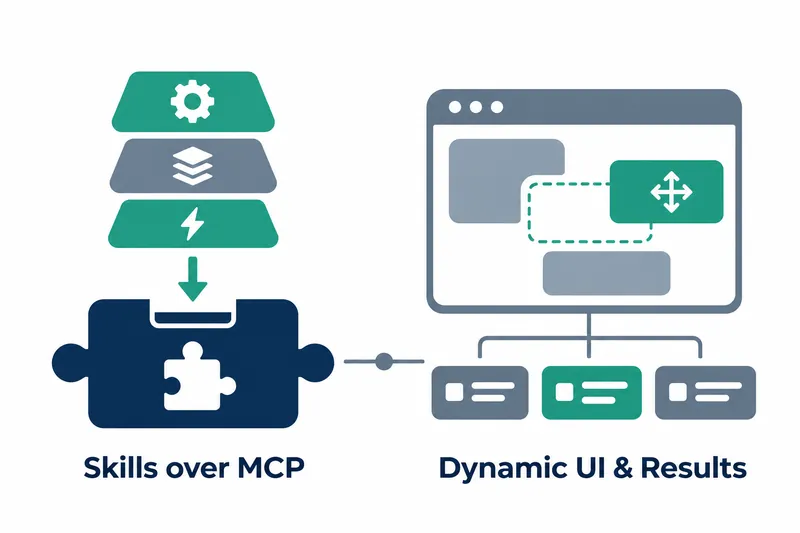
Released by Google on November 5, v1.16.0 also adds support for skills, dynamic UI resources, and structured tool results. Alongside new UI and result features, it changes existing tools used for dashboard creation and query execution.
1. Broader support for skills, UI, and tool results
The release notes list support for skills via MCP extensions as a new feature. They confirm this support but do not explain what skills are or how the extensions work in detail.
Support for dynamic UI resources used to build interfaces was added in the server and resource areas. ResourceProvider support for serving resources is listed alongside it.
Another addition is StructuredToolResult support. This can be understood as a feature for expressing tool results in a consistent structure.
2. Looker dashboard support and MSSQL object source retrieval
Looker tools now support dashboard elements in three formats: text, Markdown, and rich text (formatted text). This broadens the types of elements that dashboards can handle.
A fix also ensures that all dashboard filters are linked when adding or updating elements.
The new import_dashboard_from_lookml feature imports dashboard definitions written in LookML. Element formats and imports are new capabilities, while filter linking fixes existing element creation and update behavior.
Tools for inspecting database objects were also enhanced. MSSQL gained a function that returns source code for all user-defined database objects. Unlike Looker's presentation changes, this helps inspect database object definitions.
3. BigQuery protected mode updated to block statements
The BigQuery execution tool was fixed to block non-SELECT statements in protected mode. Configurations using protected mode should first check whether the statements to be executed include anything other than SELECT.
Session creation now sets UseLegacySql to false. This setting applies when a session is created, regardless of whether protected mode is enabled.
Debug logging, which records behavior for troubleshooting, was also added across BigQuery tools.
4. Configuration file monitoring and prebuilt configuration changes
When the config flag specifying a configuration file is omitted, tools.yaml is now monitored and reloaded. Deployments running without the config flag should check that file changes are detected and the configuration is reloaded.
The search_aspect_types tool was removed from the Dataplex prebuilt configuration. Deployments using it should check tool removals during upgrades, alongside query protection and automatic configuration updates.
The release notes do not provide detailed setup steps for skills and new resources or client-specific compatibility information. Plan around the published feature scope, but verify actual integration in your configuration.
v1.16.0 expands support for skills, UI, and results, while existing deployments should check changes to protected mode, session creation, and behavior without the config flag, along with the Dataplex prebuilt tool removal.