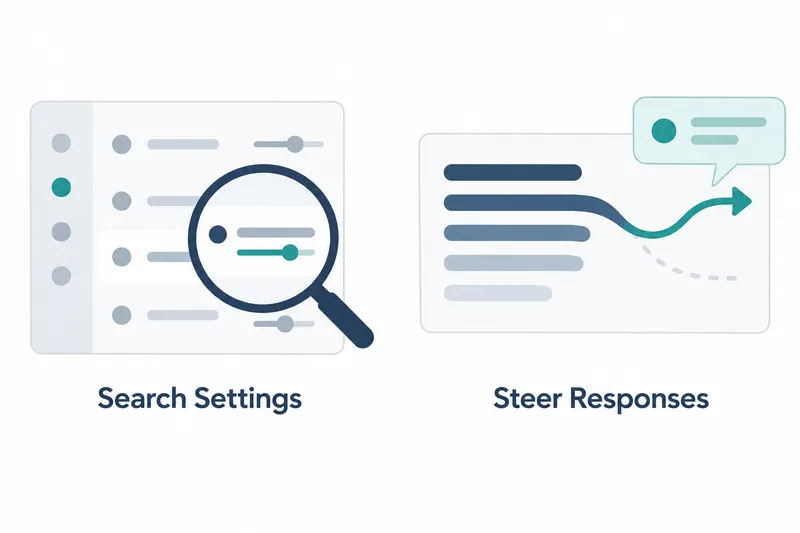
Developers using the terminal coding tool can now search and edit settings, and redirect work with new instructions during a response. They can intervene more within the workspace instead of finding files or waiting for responses.
1. Settings search and immediate steering are key
OpenAI's release notes for Codex CLI 0.163.0, released on October 15, 2026, introduce settings search and mid-response instructions. The collected developer changelog has no entry for this version. This review therefore draws on the release notes and related pull requests.
Opening /config lets users find settings in five categories: appearance, notifications, input, sessions, and text selection. The footer says to use left/right arrows for categories, slash to search, Enter to edit, and Escape to close.
Pull request 52990 also adds links to existing editors for themes, the status line, terminal titles, and keyboard settings. The panel is a shared entry point for settings rather than a replacement for every separate editor.
2. Saving and applying settings are distinct
Panel changes are saved automatically to the selected local configuration file. Supported changes apply immediately, but some require a restart. The panel flags restart requirements, save errors, and overrides by other settings. This distinguishes a saved value from one affecting current behavior.
Notifications now offer timing controls and a test notification after 5 seconds. The test instructions suggest switching to another app because the terminal itself may hide notifications while it has focus.
The panel preserves custom per-event notification filters, which specify when to notify. In that case, the notification toggle is shown as unavailable, with instructions to edit the configuration file.
3. Follow-up input intervenes in ongoing responses
Sending follow-up input during a response can redirect work immediately. The release notes say interrupting a turn also stops active Code Mode cells and their tool calls. A cell is a unit of code execution, so interruption extends beyond response text.
Pull request 51812 enables instant_interrupt by default while retaining its under-development status. Tests assuming that the next input is processed after a response ends now explicitly disable it. Default activation does not mean promotion to stable status.
The following is part of the test code from that pull request. It disables the feature to let a response finish in an internal test. It is not an example to paste directly into a user configuration file.
            // This fixture retains the question by allowing its response to finish.
            config
                .features
                .disable(Feature::InstantInterrupt)
                .expect("disable InstantInterrupt feature");
4. Checking status matters more than waiting
The benefit is a shorter path to finding settings and revising instructions. But as interruption extends to running tools, users need to focus on checking the state of stopped work. This is a trade-off between convenience and execution-state checks.
The source does not say whether changes made before interruption are automatically undone or how interrupted execution is recovered. Stopping execution should therefore not be read as a guarantee of restoring the previous state.
This version makes it easier to intervene during work, but that convenience is best used by distinguishing saving from applying and interruption from recovery.