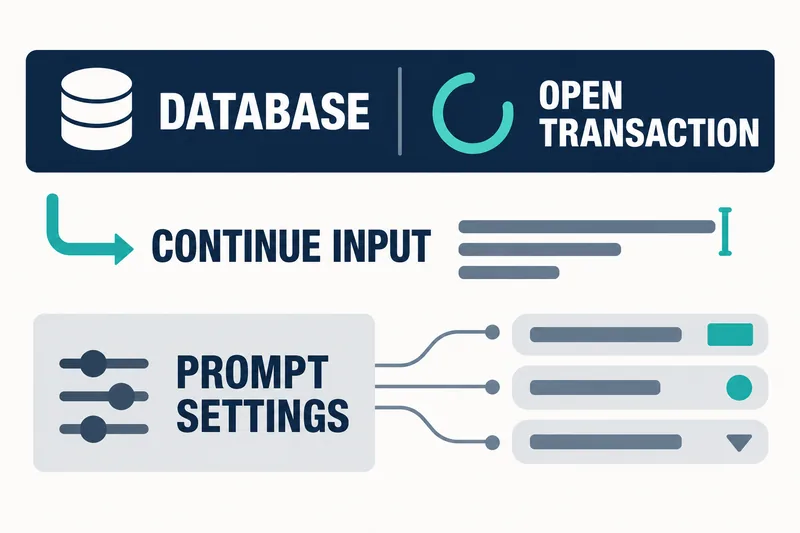
SQLite 3.54.0, released on October 9, 2026, expands the prompts in its interactive command-line tool, the CLI. The prompt can now show the database name and open transaction status while waiting for input, along with the characters needed to finish incomplete input.
The previous fixed prompts, sqlite> and ...>, did not show the current database or transaction status. A transaction is a group of operations that are committed or canceled together; an open transaction means that group has not yet ended. Rather than changing how SQL works, the new features focus on making this state visible where commands are entered.
Display rules for filenames and transaction status
Prompt strings can contain escape codes whose output changes with the current state. They begin with a forward slash /, not a backslash. /f displays the database filename without its path; for an in-memory database, it displays memory.
Text after /x appears only while a transaction is open. /: introduces the text shown otherwise, and /; ends the conditional section. This allows a character such as an asterisk to indicate an open transaction without using color.
SQLITE_PS2 is the continuation prompt used when input is incomplete, such as when a semicolon is missing. /C, which works only in this prompt, shows the shortest string needed to finish the current command and return to the main prompt. It does not enter characters or execute the command.
Startup settings and .prompt customization
At startup, the SQLITE_PS1 and SQLITE_PS2 environment variables, when present, override the compile-time defaults for the main and continuation prompts, respectively. During a session, passing two strings to .prompt changes both prompts; passing just one changes only the main prompt.
Color can be disabled with .prompt --no-color or a nonempty NO_COLOR environment variable. However, if a configuration distinguishes transaction status only through color, disabling color also removes that distinction. The actual appearance can vary with user settings and compile-time defaults.
This account is based on the official release notes and prompt documentation. The October 5, 2026 date on the prompt documentation is its last-modified date, not the release date. No executable was run and no usability effects were measured, so this account provides no basis for claiming fewer mistakes or faster work.
/x indicates that a transaction is open. It does not guarantee a successful commit or durable data storage. Likewise, /C provides a hint for finishing input; it does not verify that the SQL matches the intended operation.
These features are supported in the CLI starting with SQLite 3.54.0. The same display cannot be assumed in older executables, GUI tools or applications that embed the SQLite library.
Checking current settings and disabling color
In an interactive SQLite 3.54.0 CLI session, the following commands show the current prompt strings and disable color. This is a check readers can run, not a test that verifies every state transition.
.prompt --show
.prompt --no-color
The practical question is which states the current configuration exposes, rather than how colorful it looks. Disabling color and retaining a status indicator such as an asterisk are separate settings. Inspecting the prompt strings is therefore a starting point for checking not just appearance, but which information remains visible.
SQLite 3.54.0’s prompts make current state and input completion clearer, but they do not guarantee correct SQL or a successful transaction.