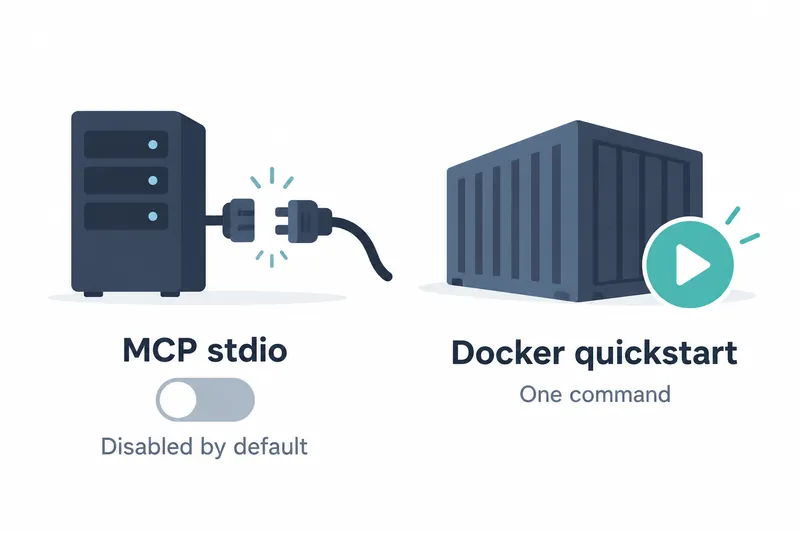
The new LiteLLM release disables tool servers connected by running commands on the proxy host by default. Teams using this method must review tool connections when upgrading. A new one-command setup launches the proxy, database, and admin UI for first-time users.
1. Registrations remain, but execution is blocked
The key change in this release, published on October 18, 2026, is that stdio is disabled by default. MCP servers provide external tools for models. The affected method runs commands on the proxy host to connect, unlike remote server connections.
The proposal says most deployments only need remote servers, but previously could not disable local execution. Server registrations now remain, but processes do not start. Remote HTTP and SSE servers are not blocked.
2. Blocking signals vary by request
Listing a disabled server's tools via the REST API returns an empty list. Direct tool calls return access-denied status code 403 and an explanatory message. Creating or updating servers using this method is rejected with request validation error 422. Updating an existing server to use a remote connection is an exception.
The admin UI adds a disabled badge to server cards and grays out this transport option on creation and editing screens. Banners on screens such as existing server details explain how to re-enable it.
Model requests targeting blocked servers may succeed without tools rather than return errors. Check tool availability, not just request success, to assess connectivity. This restriction applies to the proxy, not the MCP client in the SDK development toolkit.
3. Change the process environment to re-enable it
To keep using it, set LITELLM_ENABLE_MCP_STDIO=true in the proxy process environment and restart the proxy. Only true enables it, with case and surrounding whitespace ignored.
A .env file alongside the proxy also counts as process environment. Values stored in configuration files or the database are ignored and produce warnings. Saving through the admin UI or configuration update API does not enable it either. The decision to allow tool connections again must therefore come from those managing the proxy's runtime environment.
4. Benefits and operational costs of blocking by default
The benefit is closing the path for local command execution on the proxy host by default. The cost is continuity for existing connections. Deployments relying on this method lose tools until an administrator intervenes. Updates should therefore include connection-method checks and environment changes.
The proposal also reports validation with 4 worker processes while disabled. All 40 UI configuration queries reported it disabled. All 60 tool calls returned 403, and the tool server process did not start. This confirms behavior under those test conditions, not a performance improvement.
5. Docker startup and image verification
The release notes say the one-command Docker setup launches the gateway, Postgres database, and admin UI together. A PowerShell startup procedure for Windows was also added. The supplied source does not include the actual startup command or deployment file contents.
The following code from the notes demonstrates image signature verification, not startup. LiteLLM signs images with cosign and recommends verification that pins the public key location to an immutable commit hash.
cosign verify \
  --key https://raw.githubusercontent.com/BerriAI/litellm/0112e53046018d726492c814b3644b7d376029d0/cosign.pub \
  ghcr.io/berriai/litellm:v1.106.0
This release simplifies installation while making permission to run local tools an explicit administrator decision.