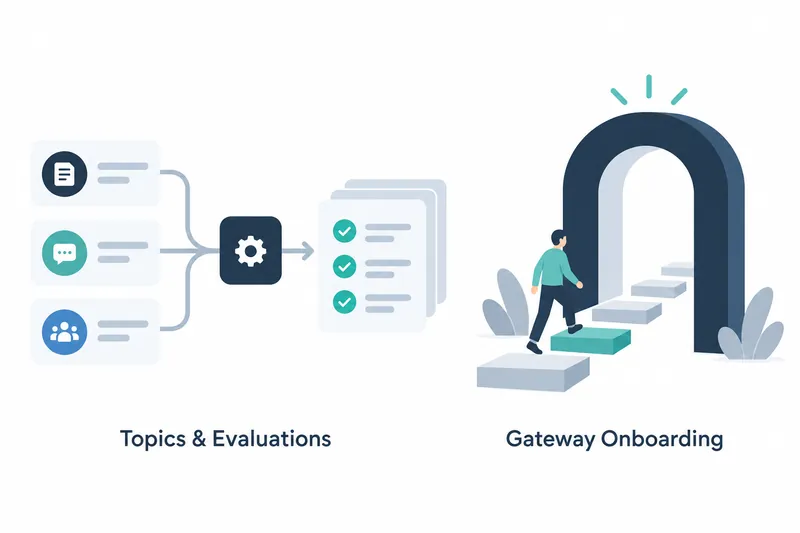
Langfuse adds external integration options for reading analytics and running multiple evaluations at once. Developers can connect queries and evaluation runs to tool-based workflows. Users of the AI gateway, a service that relays AI requests, get improved setup guidance and key management screens.
1. A Public API for Reading Topics Information
Langfuse 4.70.0, released on October 24, adds a public API for reading Topics information. The focus is read-only access. For developers, the significance is a new integration point for retrieving information.
The initial Topics setup screen has also been improved. It explains when an AI connection is missing and offers guidance for users without administrator permissions. These changes help users identify connection and permission issues during setup.
On the first run, screens reflect analyzing, pending, and failed states. Alongside setup guidance, the interface now reflects execution status, focusing on showing first-time users where their work stands.
2. A Tool for Running Multiple Evaluations and a Result Identifier
Batch evaluation gains an execution option using MCP, a protocol for connecting AI tools that lets external clients invoke features as tools. The tool is named runBatchEvaluation. Developers can use it to add multiple evaluation runs to a client's tool-calling workflow.
Batch execution results now include batch_action_id. The execution tool is accompanied by an identifier attached to results to distinguish them. Integrators should check not only how evaluations are started but also how result-consuming integrations handle the new field.
Queries and execution also arrive through separate integration points. The public API reads Topics information, while the evaluation tool starts batch jobs. Developers can choose which feature to integrate based on whether they need information retrieval or evaluation execution.
3. Refined Gateway Setup Guidance and Keys Page
The AI gateway updates Claude Desktop setup guidance and consolidates Claude-related tabs. This revises the guidance users see during initial setup. Internal cleanup also separates setup guidance tabs from data loading.
The gateway keys page now displays key descriptions inline. It also adds the ability to invite people from the same page. Users can move from checking key descriptions to inviting teammates, bringing key management closer to the start of collaboration.
Setup examples also gain syntax highlighting. This covers shell commands, which users enter into the operating system, and TOML and JSON examples. Rather than changing the setup procedure, this UI improvement helps users visually distinguish syntax while reading examples.
4. Benefits of Broader Integration and Adoption Checks
This version offers more ways to connect queries and evaluation runs to external workflows. Improved gateway guidance, key descriptions, and team invitations change the initial preparation process. The release combines broader automation access with easier onboarding.
New integrations must accommodate changes, as the Topics API is marked as not yet stable. The release notes do not specify query paths, request and response formats, or the evaluation tool's call parameters and values. Detailed specifications therefore need checking before implementation.
Langfuse 4.70.0 broadens integration points for queries and evaluation runs while refining the guidance path for users setting up the gateway for the first time.