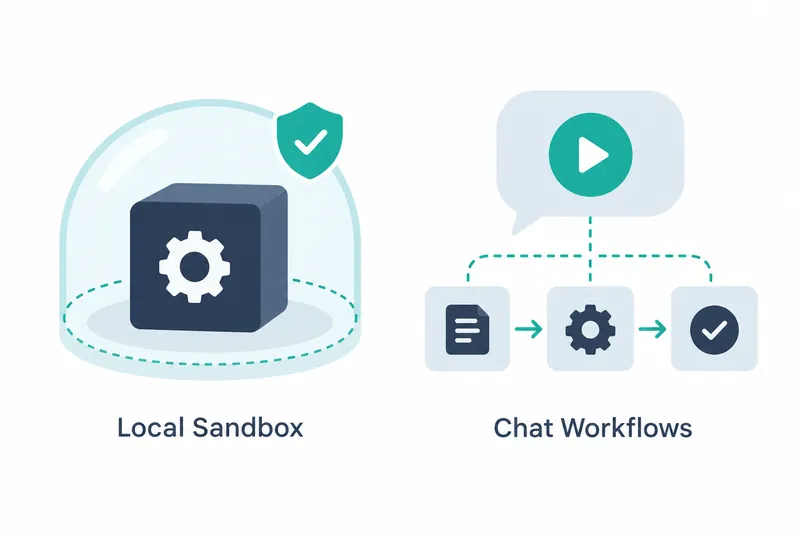
New features limit access for commands run by AI coding tools and launch saved workflows from chat. Developers automating coding tasks gain controls over execution permissions and a new way to start repetitive work.
1. A sandbox that sets boundaries for command execution
The local command sandbox is central to Kiro's IDE 1.3.0 changelog, released on October 13, 2026. It sets boundaries on command access. When enabled, it restricts shell commands run by AI agents and their child processes.
Outbound network connections can be blocked, limited to common development hosts, or allowed. A host is the destination server. Select Command sandbox in the status bar to open settings and check whether the sandbox is active.
Among MCP servers that connect external tools, local stdio servers communicating through standard input and output can optionally run in the same sandbox. This extends access restrictions to these local tool servers.
The agent itself, built-in file tools, and remote MCP servers remain outside the sandbox. Permission rules governing agent behavior still apply. This control varies by execution path rather than enclosing every tool.
2. How to launch saved procedures from chat
A workflow is a saved procedure. Enter the following command in the chat input, choose the recipe to run, and supply the required inputs. The chat command below is reproduced exactly from the source.
/workflow-runThe workflow view shows the new run once launched. The focus is on starting saved procedures during a conversation, not creating new ones. Users request a run in chat, then follow it in the workflow view.
3. Indicators for tracking work in progress
Chat and workflow step tabs show whether a tool is working or needs user input. The original icon returns when the session is idle. With several tabs open, users can distinguish ongoing work from tasks awaiting a response.
In the workflow list, active runs stay above completed ones. A fix prevents rows from jumping when runs pause or await input. These improvements help users find work in the list after launching it from chat.
If only one workflow is active, it opens expanded. Fixes also address stopped runs appearing as pending and duplicate displays of parallel steps. These changes help users tell whether a run is active or stopped.
4. Easier execution, but review is still needed
Users can control command access and start repetitive tasks within a conversation. However, the sandbox reduces risk without guaranteeing full isolation. Proposed commands still need review, even when launching them becomes easier.
The changelog provides no performance figures or measurement conditions. This update is best assessed by its execution scope options and changes to launching and tracking work, rather than by processing speed gains.
The value of adopting Kiro IDE 1.3 depends less on how much automation it adds than on whether it provides the command controls and entry points for repetitive work that users need.