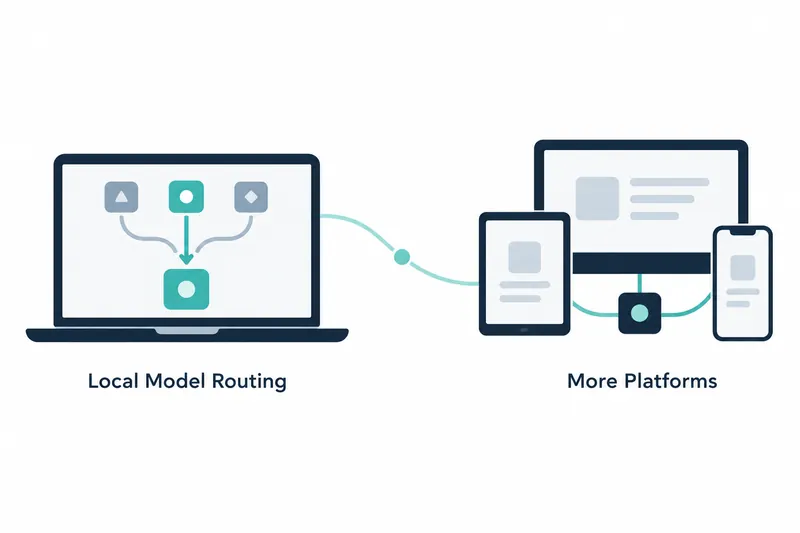
GitHub Copilot Fusion has experimentally released per-request selection between models running on the device and in the cloud. Users of Copilot CLI, the Copilot app, and Visual Studio Code can enable the feature and prepare a model. This adds local models as an option without requiring manual model switching for each request.
Automatic selection between local and cloud models
According to GitHub, intelligent routing automatically selects a model for each request. It is an experimental preview, a test feature available before general release, and users must opt in. After setup, selecting Standard in Copilot Fusion lets Copilot choose between supported on-device and cloud models. Users can also explicitly select a local model for the current session.
The feature is available in Copilot CLI, the Copilot app, and Visual Studio Code. However, platform support differs between downloading and configuring service-provided managed models and connecting self-configured models. This distinction determines which users can use automatic selection.
Windows supports managed model setup
On supported Windows devices, users can download and configure MAI Code 1.1 Flash through the Windows ML provider. In Copilot CLI, enable experimental mode, open /model, and follow the instructions. In the Copilot app, configure Windows ML under model providers in settings. Then enable automatic local model routing in experimental settings and start a new session. GitHub says Windows ML local models are enabled by default on Windows.
In Visual Studio Code, enable chat.copilot.localModel.enabled. Once the model is ready, select Standard in Copilot Fusion for automatic selection, or explicitly choose the local model for that session. Setup differs by app, but automatic routing works the same way.
Self-configured models support multiple operating systems in the CLI
Managed downloads are limited to Windows, but local routing for self-configured models in Copilot CLI works on Windows, macOS, and Linux. Users can connect MAI Code 1.1 Flash or Qwen3.8 Flash Next through a local OpenAI-compatible server.
With this approach, users manage model downloads and the inference runtime, the software environment needed to run the model. Their device must also have sufficient compute resources, meaning processing capacity, to run it. Configure the model as a supported local model provider, enable experimental local routing, and select Standard. Copilot then chooses between eligible local models and cloud models.
The Copilot app also lets users connect compatible local models through BYOK, or bring your own key, and select them manually. However, automatic routing in the app supports managed Windows ML models. Adding or discovering a model through BYOK settings does not make it eligible for Copilot Fusion automatic routing.
Balancing convenience and operational demands
Automatic routing reduces the hassle of choosing a model for every request and makes the device's compute resources an option. Users who supply their own models must manage downloads and runtime environments, and need sufficient device resources. The decision therefore depends not only on platform support but also on who prepares and manages the model.
Importantly, local inference does not mean offline use. Copilot Fusion makes routing decisions in the cloud. Local models may also differ from Copilot-provided cloud models in their safeguards against harmful output.
Copilot Fusion's local routing reduces the burden of model selection, but its practical scope depends on the platform and how models are prepared.