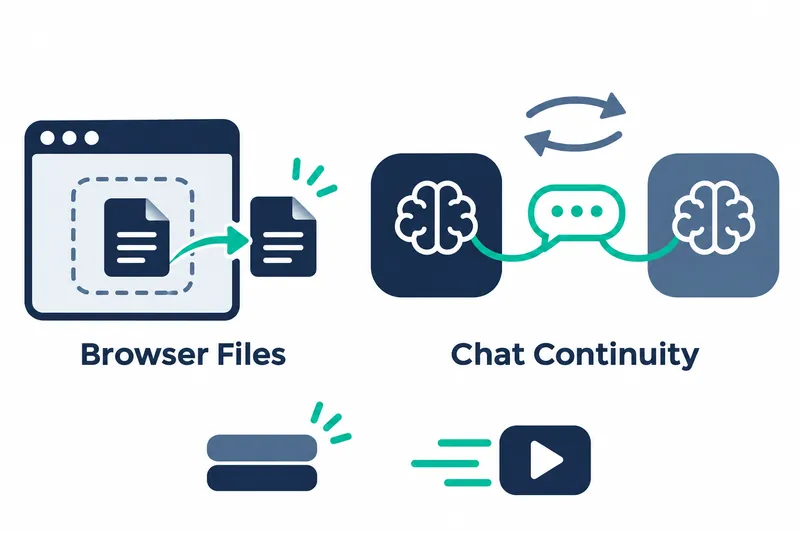
Unsloth released a new version that lets models read and edit files in the browser and retain chat context when users switch to another model and return. Users working across models can avoid reprocessing long conversations and reduce idle memory use.
1. Work with pages and files in the browser
With browser use enabled, models can click and type on HTML and React pages created during a chat. This expands their role beyond reading page content to directly interacting with interfaces created in the conversation.
Models can read and edit pages open in the browser, Markdown documents that display text formatting, code, and text files. Going back restores earlier versions, allowing users to move between revisions. PDFs and other documents opened in the browser support reading.
Download permissions can be remembered for individual sites or all sites. This also applies to downloads of program files.
Saved files can be attached to the current conversation by selecting the option to attach files from the library in the chat's More menu.
2. Continue conversations after switching GGUF models
In v0.1.915-beta, released on November 4, chat context is preserved when users switch away from a GGUF model and return. GGUF is a file format for distributing models. This is like keeping your place in a conversation while briefly doing something else. The direct benefit is avoiding reprocessing a long chat history.
Progress between tool calls is also shown in chat. Status remains visible while GGUF models compress chat context, making it easier to track the current stage of work.
When tools run without separate confirmation, GGUF models read up to 4 web pages at once.
3. Choose which features to prepare at startup
Unsloth no longer imports PyTorch and other machine learning libraries at startup. According to the company, this greatly reduces idle memory use. Rather than preparing machine learning features from the outset, it lets users choose which features to prepare.
Users can adjust which features to prepare through the Startup Performance menu under General in Settings.
4. Improve model loading and long-input processing
According to the company, model loading and reloading are significantly faster. These changes apply to MLX models, and reducing the context length of an already loaded model now takes only a few seconds.
The company says supported MLX models also use less memory when processing long prompts. Unlike idle memory savings from skipping library imports at startup, these savings concern input processing during model use. The release notes provide no specific comparative figures or measurement conditions for these improvements.
5. Offer memory-saving settings for training too
The release also includes training resource savings. The company says recent NVIDIA GPUs can run LoRA training faster and with less memory. LoRA is a fine-tuning method that freezes the weights of a 16-bit base model. According to the changelog, forward passes and input gradient calculations use FP8 on a frozen 16-bit base model. The setting to select this training mode is:
float8_training = "fp8_lora"This version focuses on maintaining workflow continuity across browser tasks and model switches, while reducing resource demands at startup and during model use.