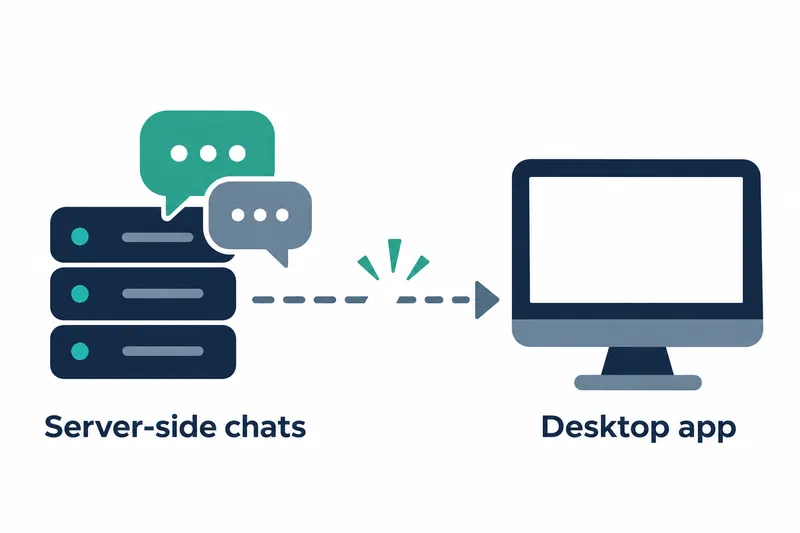
LocalAI has unveiled a desktop app and support for continuing chat tasks after the browser closes. Individuals can install a model server or connect to another server from the app. Teams running existing servers need to prepare chat and agent integrations and data migration.
1. Chat tasks move from the browser to the server
In v5.0.0, released on November 18, the LocalAI server manages chat history and execution. Tasks continue after the browser tab closes. Messages sent during generation are queued and can be edited or discarded before the next model step.
The model can delegate work to subagents, running up to four in the background. Long conversations are compressed to continue. The /goal command works toward a specified goal over multiple turns, with default limits of 20 turns and 400 steps.
With a microphone and speech recognition and output models, users can converse hands-free. Audio stays on the user's LocalAI server.
2. Choose server installation or connection in the desktop app
The new app supports Apple silicon Macs and Linux on x86-64 and ARM64 processor architectures. On first launch, users choose to run a server locally or connect to another server. The app can install, update, start, stop, and manage multiple servers.
Switching from the old launcher requires downloading the new app once. Settings for models and backends, the internal components that perform processing, remain in the existing folder. The source provides this command for direct server installation:
curl -sSL https://localai.io/install.sh | sh3. Connect files and projects to conversations
The file view supports folder and file uploads, previews, and full-text document searches. User and model edits share a reversible change history. Files used in chats can also be managed in a separate workspace.
The optional Simple Office add-on reads, edits, and creates Word, Excel, and PowerPoint documents. It can also create presentations from user-provided templates.
The Linux sandbox, an environment isolated from other systems, runs Python and shell commands in an isolated workspace with files attached. Network access is blocked by default.
Projects group conversations around a folder and store notes that chats read on every turn. When the model proposes note changes, they are saved after user approval.
On servers with user accounts, folders and saved agents can be shared with specific users or everyone.
4. Existing chat and agent integrations require migration
Upgrading affects standard model calls differently from server-side chat management. The OpenAI-compatible /v1/chat/completions remains unchanged. Some existing chat and agent management APIs are removed and require new paths.
Requests to the old /api/agents and /api/conversations return 404.
In the new structure, /api/chats handles conversations, while /api/chats/agents handles saved agents.
On first launch, the server converts existing disk and database data to the new chat and agent structure, preserving the originals. Automated tasks and external tool connections remain disabled until reviewed and reenabled. Browser-only chats require a separate import.
Old collection management API paths still work with deprecation notices. Collections are units for organizing materials. Some old setting names work with warnings, while others are no longer applied, so consult the migration guide.
For voice setups, the liquid-audio backend has been removed. The release notes point to new llama-cpp-based voice models as a replacement path.
Studio and Talk have moved to separate add-ons, installable components that extend functionality. Administrators install them and grant users access.
Project folders organize conversations; they are not permission boundaries that restrict file access. There are no replacement models for the existing LFM2-Audio and LFM2.5-Audio.
5. Expanded features bring benefits and operational costs
Development figures in the project's release notes compare v4.12.1 with the release preparation snapshot. The table below summarizes changes and model entry counts within that comparison.
Table: LocalAI v5.0.0 development scale and model library changes
Conditions: Comparison of v4.12.1 and the release preparation snapshot, based on the project release notes
Units: Counts of requests, commits, files, and model entries
| Item | Value |
|---|---|
| Merged pull requests | 130 |
| Commits excluding merge commits | 1,432 |
| Changed files | 7,310 |
| Feature pull requests | 41 |
| User-facing fix pull requests | 35 |
| Previous model library entries | 2,212 |
| New model library entries | 2,325 |
| Added model entries | 134 |
| Removed model entries | 21 |
The release notes list over 80 backends. The model library saw both additions and removals. Beyond expanding model choices, this transition shifts workflows toward a server that handles both chat execution and file operations.
Users gain the convenience of continuing tasks without keeping tabs open and managing servers through an app. Existing operations teams face integration updates, data conversion checks, add-on installation, and permission management.
LocalAI v5.0.0 offers persistent chats and easier management, while migration for existing operations teams depends on their integrations and operating practices.