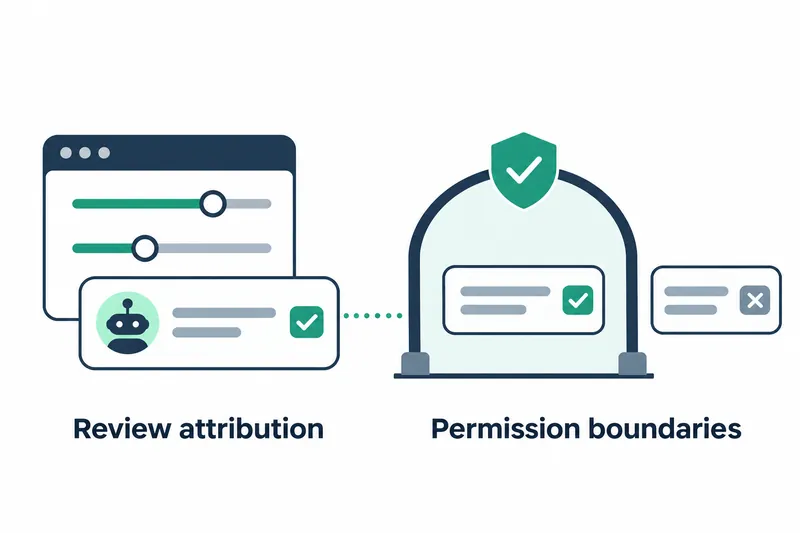
On November 6, GitHub introduced API management for Copilot code review settings and ways to check review authorship and supporting sources. Enterprise, organization, and repository admins can automate settings within their permissions. Developers can see findings in more concise review summaries.
1. APIs expand settings management and review attribution
The existing REST API could request reviews, set their intensity, and retrieve results. The update identifies Copilot as the author of its reviews and comments so automation tools can recognize its output. Settings management is available through REST and GraphQL APIs.
Review intensity can be checked when the relevant metadata, or descriptive information, is available. Each comment can also show the skills, MCP servers, and custom instructions Copilot reported as sources. Skills are sets of capabilities used for tasks, while MCP servers connect external tools.
Administrative permissions are divided by role. Enterprise admins can enable or disable code review for all organizations or delegate that decision to organization admins. Organization admins manage availability, default review intensity, and execution environment settings.
Repository admins set review intensity and decide whether reviews use custom instructions and MCP tools. The REST API offers the same intensity choices as the web interface. Organization and repository settings responses include the available choices.
2. Match authentication and permissions to management scope
Organizations cannot change enterprise-managed settings. Enterprise and organization settings APIs and the organization execution environment API do not support GitHub Apps or fine-grained personal access tokens. These tokens allow tightly scoped permissions. Repository settings APIs support both authentication methods. Classic personal access tokens, the older form of personal authentication tokens, require repository admin privileges.
Reading repository settings requires Administration: read, while changing them requires Administration: write. GitHub also linked separate documentation explaining how to configure settings through the APIs.
3. Shorter review summaries and a feedback channel
The new summary moves review intensity and the survey to a small footer. Skipped files and files with excluded content are combined under 'Files not reviewed,' with file names and links to exclusion reasons. Empty sections are hidden, and long lists show how many additional items remain.
When the same pull request is reviewed again, findings unrelated to recent changes are collapsed and hidden. This makes it easier for developers to focus on findings relevant to the latest changes during repeat reviews.
Users can give a summary a negative rating and select a reason. Categories include approval decisions they disagree with, overly long comments, and incorrect or overly trivial findings. GitHub said it uses this feedback to improve Copilot's findings. It also fixed surveys appearing for organizations that had opted out of feedback collection.
4. Check review usage and the scope of automatic requests
Code review agent sessions display the AI credits used by a review, the billing units for AI usage. According to the company, balanced-intensity reviews use three reviewing models, with another model consolidating their results.
Automatic review repository rules now include an exclusion list. Listed users, apps, and other actors are excluded from automatic reviews.
Even when reviews requested with external Copilot licenses are blocked, GitHub Actions, Dependabot, and organization- or enterprise-owned apps can request reviews on bot-created pull requests if the organization pays.
5. Retries and preserved settings refine operations
According to the company, failed or timed-out reviews are automatically retried once. If the preferred model is unavailable, another available model can be used. Reviews in progress during service updates get more time to finish. A bug that incorrectly marked reviews as failed just after starting and discarded their results was also fixed.
Billing and preview settings persist when the feature is turned off and back on. Admins can retain their existing settings when resuming use after a temporary pause.
Admins can more easily check authorship and supporting sources and manage settings through automation. They still need to choose authentication and permissions for the management scope. They must also check automatic review coverage and the review costs the organization will bear.
Copilot code review now supports broader automation, and operators must manage both role-based settings permissions and review costs.