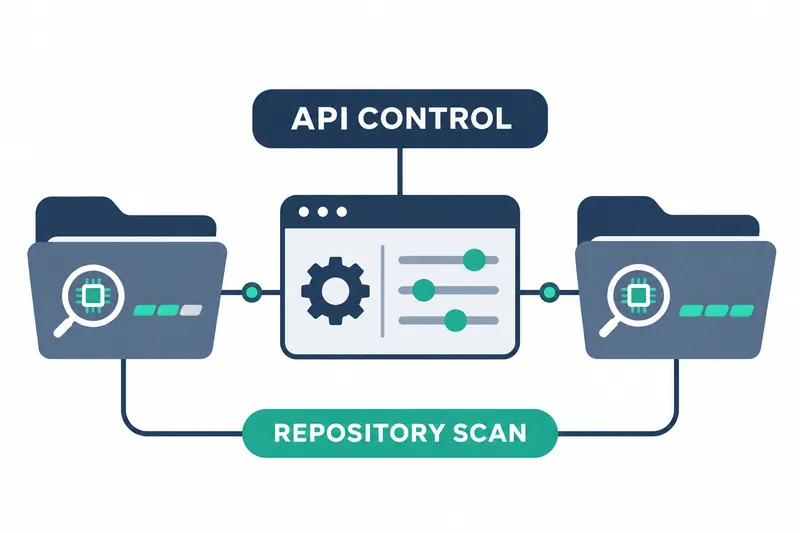
GitHub offers REST API settings to enable or disable full-repository AI scans at organization and repository levels in public preview. Administrators can apply settings across repositories using scripts or infrastructure code, managing configuration as code. They can also set repository exceptions within organization policy.
1. Manage settings for organizations and repositories
On November 13, 2026, GitHub announced a full-repository scan setting alongside existing AI scan enablement controls. The new repository_scan property accepts enabled or disabled. It is managed through read or update requests for an organization or repository.
Previously, settings covered scans of pull requests, which propose code changes for review. The new full-repository scan setting can be changed alongside existing settings in one request. It follows the same inheritance rules, passing parent settings down to repositories.
If the organization setting is disabled, its repositories cannot enable it. When enabled, repositories inherit it, and administrators can selectively disable it for individual repositories. This makes central policy the default while allowing repository exceptions.
2. Reduce rollout effort and manage execution costs
Deploying settings and running scans are separate steps. Administrators define where scans are available, and users with write access request scans as needed. Each scan consumes GitHub Code Security AI credits, usage units deducted based on consumption.
Automating repeated configuration through the API reduces manual repository updates and helps apply team policies consistently. Actual scans consume credits, so execution costs must be managed separately from the administrative effort saved during rollout. Operational planning should define both the repositories to enable in bulk and the users responsible for running scans.
3. Check eligibility and permissions
Organization owners and security managers can manage organization settings, while repository administrators can adjust individual repository settings. With fine-grained tokens, authentication keys with narrowly defined scopes, organization updates require organization administration write permission. Repository updates require repository administration write permission. Reading repository settings requires read permission for code scanning alerts, notifications of security issues found in code.
The feature is available for organization-owned public repositories. Private or internal repositories require GitHub Code Security or GitHub Advanced Security. Setup begins with an enterprise owner allowing AI scanning in policy.
4. Apply settings in a single request
Both organization and repository paths support reading and updating settings. Use /orgs/{org}/code-scanning/ai-scan for organizations and /repos/{owner}/{repo}/code-scanning/ai-scan for individual repositories.
Use GET to read settings and PATCH to update them. The original example below enables both pull request scans and full-repository scans for an organization. Set the authentication token and organization name for your environment.
curl -L \
  -X PATCH \
  -H "Accept: application/vnd.github+json" \
  -H "Authorization: Bearer <YOUR-TOKEN>" \
  -H "X-GitHub-Api-Version: 2026-03-10" \
  https://api.github.com/orgs/ORG/code-scanning/ai-scan \
  -d '{"pr_scan":"enabled","repository_scan":"enabled"}'
A successful response contains the status of both settings. Sending both changes in one request lets you check both returned values, combining the post-update verification steps.
A 422 error is returned if enterprise policy blocks enablement or value validation fails. If either change in a request updating both settings is blocked, both retain their previous values. Repository update requests may return 403 if the repository is archived, preserved to prevent changes, or GitHub Advanced Security is not enabled. GitHub Enterprise Server is not supported.
5. Use read responses to check organization settings and exceptions
An organization read response shows its stored settings, while enterprise policy affects what actually applies. Administrators can therefore check parent policies, deploy organization settings, and then inspect individual settings through repository reads.
Using both organization and repository read endpoints lets administrators check central defaults and individual exceptions at their respective levels. When expanding to more repositories, it is practical to script verification alongside configuration changes.
Organization-level settings and repository exceptions simplify rollout management, but scan execution and credit management must be planned separately.