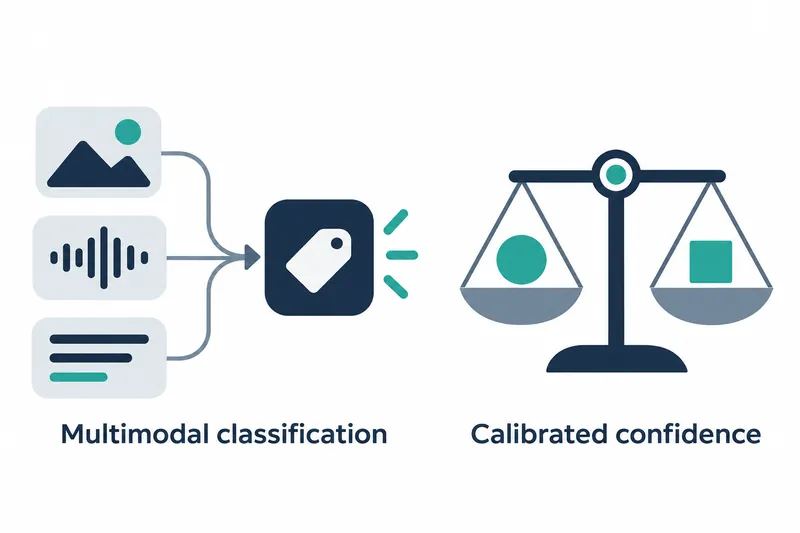
Google unveiled a new API that asks multiple classification questions about text, images, audio, video, and documents at once. Developers receive choice probabilities and confidence scores to automate processing or seek human review.
1. Bundle up to 1,000 questions per input
The API uses Gemini Decision 1 to evaluate up to 1,000 independent questions on one input. It scores candidates in one computation rather than generating tokens sequentially. Questions do not see one another's results. It can classify inquiries using call recordings and account data, or check claims using PDF bills and damage photos.
Google says it uses this API in Gemini Notebook to select models and reasoning levels for incoming questions. It reports up to 40% lower latency for routine questions while assigning deep-reasoning models to complex tasks.
2. Get answer probabilities and a basis for automation
Question types are yes/no, fixed choices, and ordered ratings. Yes/no returns the probability of 'yes'; choice questions return each candidate's probability and the top candidate. Ratings return a mean score by summing each level number multiplied by its probability, so values can fall between levels.
Confidence is the estimated probability that the most likely answer is correct. Calibration aligns predicted probabilities with actual rates of correctness. Developers can use answers to choose a route and confidence to decide whether to automate it.
3. Bundle questions to reduce latency and output costs
Google reports median model compute time of 50~100 milliseconds and total request-response round-trip latency of 150~250 milliseconds. Measurements used multimodal inputs and up to 16K tokens of context, including inputs and instructions. Google says latency stayed nearly constant as questions per request rose from 1 to 100.
Input costs $0.10 per million tokens, with no output token charges. The same input is billed once per request regardless of question count; only per-question instructions and criteria add input volume. Image and video resolution can be adjusted to balance visual detail and token costs.
4. Lowest calibration error on shared evaluations
Google reports that Gemini Decision 1 had the lowest calibration error among compared models across 7 shared evaluations. This error measures the gap between predicted probabilities and actual correctness rates; lower is better. Total prices for the same evaluations were also provided.
Table: Calibration error and total price across 7 shared evaluations
Conditions: The 7 shared evaluations in Google's chart. Gemini Decision 1 used Decisions API; GPT-6 Luna used OpenAI Decisions API. Gemini 3.5 Flash-Lite used Interactions API (minimal). Refusals, safety blocks, and unprocessable requests counted as incorrect, with all evaluations in the denominator.
| Model | Calibration error (Top-1 ECE) | Total price (dollars) |
|---|---|---|
| Gemini Decision 1 | 0.0250 | 0.88 |
| TypeSafe Jev 1.14 | 0.0494 | 0.68 |
| GPT-6 Luna | 0.0721 | 0.93 |
| Gemini 3.5 Flash-Lite | 0.2104 | 4.14 |
Google says the cost was nearly 5 times lower than its Flash-Lite model with the existing API. The table lists a lower total price for TypeSafe, allowing a choice based on both price and calibration error.
Google reports Gemini Decision 1 accuracy of 92.2% on the public JevBench evaluation. This uses the full evaluation set, counting refusals, safety blocks, and unprocessable requests as incorrect.
On Mind2Web's multimodal evaluation, the model scored 86.2%, below TypeSafe's 86.8%.
On When2Call, the two models scored 79.9% and 82.0%, respectively. Strength in probability calibration should be considered alongside accuracy on individual tasks.
5. Define questions and set criteria using real inputs
Developers can start by getting an API key in Google AI Studio and installing SDK 3.2 or later for Python or JavaScript. The documentation's example routes automatically at confidence of 0.7 or higher and otherwise sends to human review.
answer = result.answers["department"]
if answer.confidence >= 0.7:
    route_to(answer.choice)
else:
    route_to("human_review")
Removing answer generation and text interpretation reduces latency and output costs, but leaves developers to design questions, choices, and automation criteria. The documentation advises setting criteria with labeled real inputs and weighing the costs of false acceptances and false rejections.
Choice questions assign probabilities even when no candidate fits, so developers can add an 'other' option or a separate scope check. The documentation warns that user input can steer classification and recommends testing adversarial inputs. It advises human review or a second check for important actions such as payments.
Gemini Decisions API connects multimodal decision probabilities directly to code, while automation quality depends on the criteria developers design.