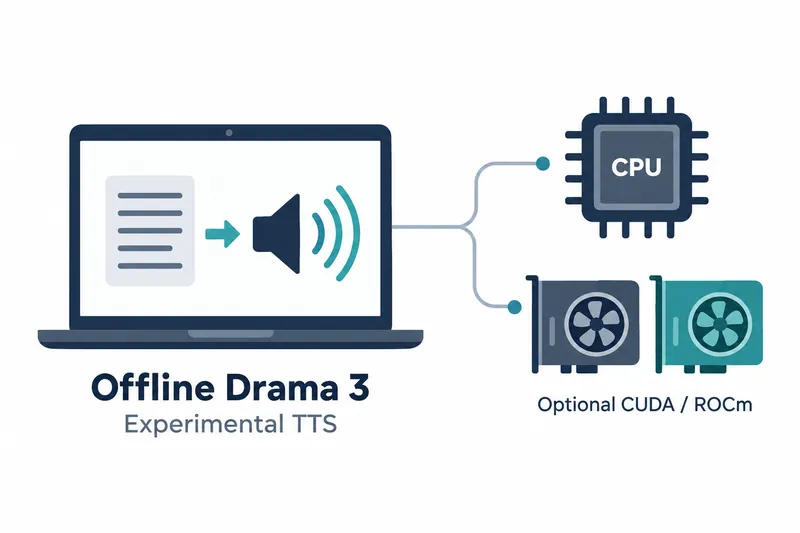
CTranslate2 has added experimental offline execution for Drama 3, a model that turns text into speech. Developers adding speech synthesis to local services can start with a CPU and optionally accelerate some operations with a GPU.
Once official model files are converted, synthesis requires no separate heavyweight framework. This separates model preparation from speech generation, enabling local synthesis within an existing CTranslate2 runtime.
1. The experimental feature covers audio code generation through waveform reconstruction
CTranslate2 4.8.4 was released on October 25, 2026. The feature generates audio codes, an intermediate sound representation, from text, then reconstructs a single-channel waveform. It covers not just model conversion but also generating audible speech.
The release also adds CPU and GPU implementations of operations used in audio models. The official guide describes CPU execution as the default, with CUDA and ROCm for optional acceleration. Speech synthesis can thus start without an accelerator.
2. Convert official checkpoints into a local model
The Transformers converter converts Drama 3 checkpoints, model files storing training results. The dry-run command below checks mappings between names and locations, and tensor shapes for multidimensional numerical data. It neither reads weights, the numerical values learned by the model, nor creates an output directory. Remove --dry-run for actual conversion.
ct2-transformers-converter \
  --model /path/to/drama-3-official \
  --output_dir /path/to/drama-3-ct2 \
  --quantization float32 --dry-run
Conversion does not download files, so use a locally prepared checkpoint. The standard CTranslate2 converter interface is also available in Python. During actual conversion, model and waveform reconstruction weights are loaded into memory before saving.
3. Prepare a text prompt and invoke synthesis
Before synthesis, use the converted model's local tokenizer, a tool that splits text into model input units, to turn text into a numerical array. Encode each text segment separately to preserve token boundaries. Fill the first column with tokenizer IDs and the remaining audio code columns with 0.
This array becomes the model input. The output can be saved as a single-channel PCM16 WAV file, an audio format that records amplitude in 16 bits. Developers connect text input preparation and speech file saving to their applications.
4. The GPU accelerates some model operations while the CPU handles waveforms
On the CPU, synthesis and waveform reconstruction use 32-bit floating-point operations, which approximate fractional values. The default FP8 checkpoint, which stores compressed weights as 8-bit floating-point values, can be used as is. There is no need to prepare a separate INT8 model, which stores integers in 8 bits. Computation selects some expert weight groups, internal computation groups chosen according to the input, but all groups remain in RAM.
Build with CUDA support for NVIDIA devices or ROCm support for AMD devices. The GPU handles model core and output projection operations, while the CPU handles the remaining operations and final waveform reconstruction. Expert weights move to the GPU on first use and stay in a cache, temporary storage for frequently used data. GPU memory usage therefore grows as new groups are selected.
5. Benefits of local execution and limits of experimental support
Local execution reduces runtime dependencies by requiring no heavyweight frameworks such as PyTorch or Transformers during synthesis. Memory capacity still needs consideration. For example, choosing INT8 execution for FP8 weights adds memory usage for converted tensors, so storage format and execution precision should be considered together.
Independent requests can be distributed across multiple execution replicas, separately running instances of the same model. Each replica generates one sequence, an ordered set of values, at a time. Concurrency is therefore arranged by distributing requests across replicas.
Current support covers offline synthesis and waveform reconstruction. It does not cover voice cloning from reference recordings, automatic splitting of long text, or streaming. Limiting the GPU expert cache size does not set an overall GPU memory ceiling.
This release's practical value lies in letting users start local speech synthesis on a CPU and optionally add a GPU for some model operations.